OpenAI Images 2.6: 5 Smart API Workflow Checks
OpenAI Images 2.6 changes the practical shape of image features in a product. The November 4 release adds GIF output, SVG export, markup-guided edits, a complexity control, and two API models with different jobs. That sounds like a longer feature list. For a product team, it is really a prompt to separate quick creative iteration from work that must preserve a product, character, or layout.
OpenAI’s release announcement says the new Flare model can produce low-quality output in as little as six seconds, while Sunburst is intended for detail and consistency at medium or high quality. Neither label should become a default in production. A product needs a route that matches the user action, a review point, and a fallback when an edit changes more than expected.
What changed in OpenAI Images 2.6
OpenAI Images 2.6 gives a team more control over the path from a request to an asset. The new complexity setting controls how much planning the model uses for a request. OpenAI recommends low complexity for focused edits and higher settings for scenes with many constraints. Image quality remains a separate decision, so speed, detail, and planning are no longer bundled into one vague request.
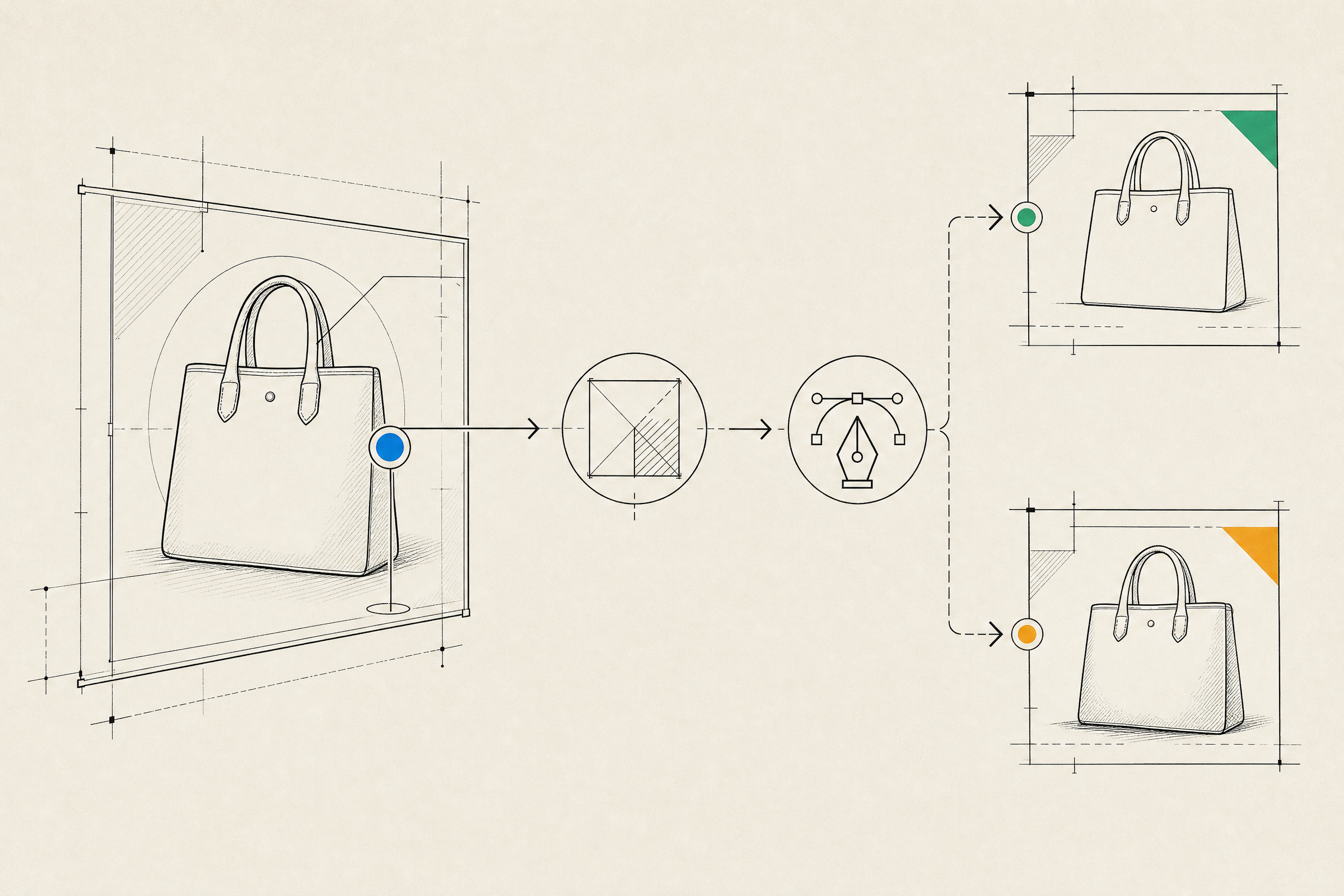
The release also brings image markup to the API. A user can point to the part of an image that needs to change instead of relying on a long written correction. SVG export makes the output more useful when an image needs to move into a web or print workflow. GIF output opens a different path, but it should be treated as a short animated asset, not a substitute for product video.
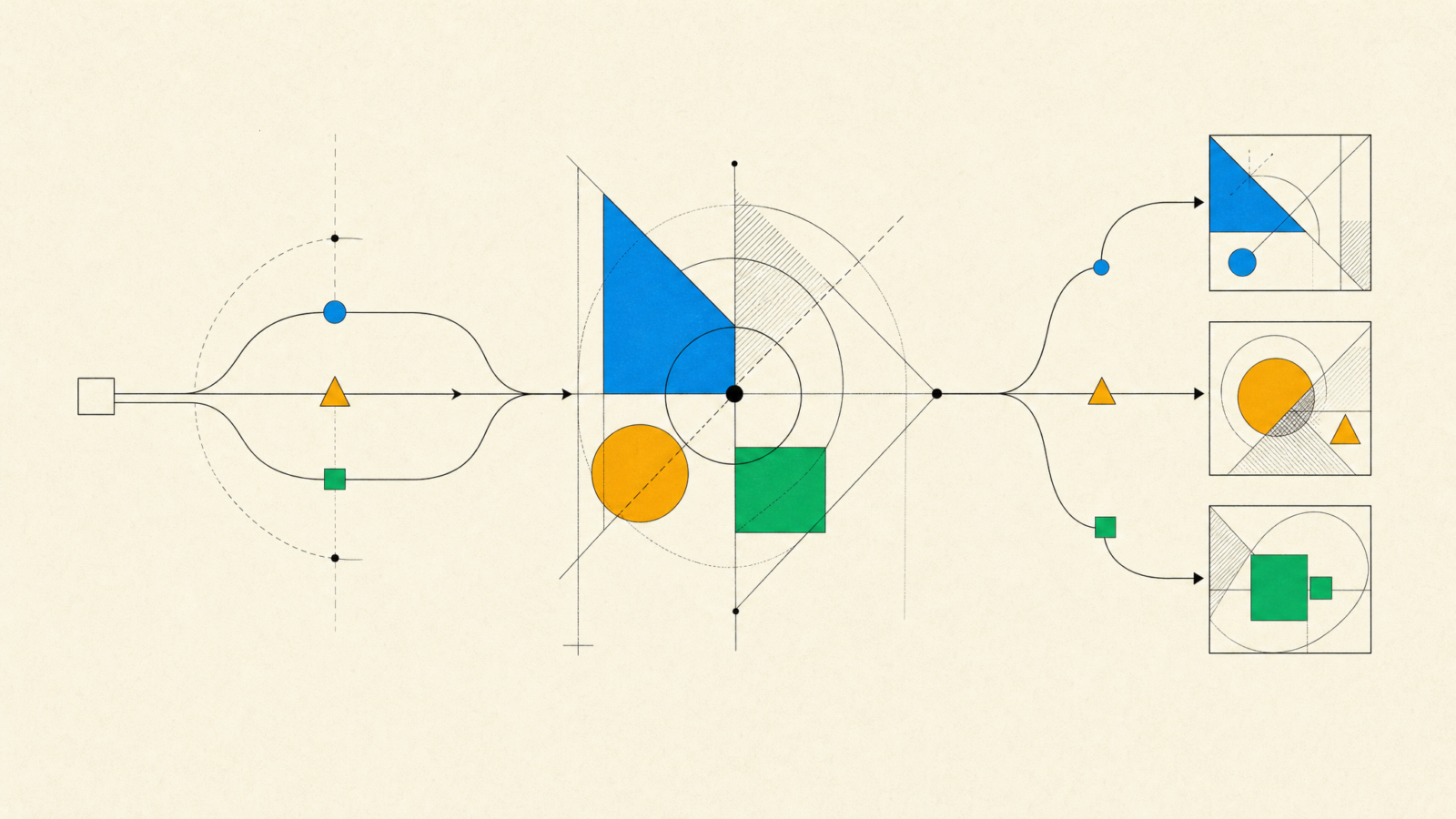
The useful split is between GPT-Image-2.6 Flare and GPT-Image-2.6 Sunburst. Flare fits a fast preview, a small targeted adjustment, or a private workspace where the person asking can reject a result immediately. Sunburst fits a final product visual, a multi-step edit, or an asset that must keep an approved subject stable. The OpenAI pricing documentation lists both models, so cost reviews should cover the real request mix rather than one representative prompt.
Choose an OpenAI Images 2.6 route before building the UI
OpenAI Images 2.6 works best when the application states what kind of image action it is handling. A single Generate button hides decisions that should be visible in the product design. Put those decisions in the service layer, even if the first release only exposes a simple interface.
| Product action | Recommended route | Guardrail |
|---|---|---|
| Generate a concept for internal review | Flare, low quality, low complexity | Do not expose it as a final downloadable asset |
| Replace one background or color | Flare with a precise edit request | Compare the output with the original before saving |
| Create an approved marketing or catalog asset | Sunburst, medium or high quality | Require review and retain the source request |
| Make a short looping reaction or preview | GIF output after a still-image approval | Validate frame order, loop behavior, and file size |
This separation matters because a user experiences failure differently in each case. A rough preview can be discarded. A changed product color, damaged label, or distorted mascot can create support work or an inaccurate listing. Treat the request class as product data. It should travel with the asset, along with the source image, prompt version, model route, and reviewer decision.
Design the review loop around edits, not prompts
Long prompts are a weak control surface once an image enters a real workflow. They are hard to audit, hard to localize, and easy to copy badly. Markup-guided edits make a better interaction when a user can identify an area and say what must change. The application still needs boundaries around that action.
Start by keeping the original asset immutable. Store each generated version separately, then show a side-by-side comparison. Let the reviewer accept one version, reject it, or create a new edit from the approved image. Do not silently overwrite a shared asset library after a model response.
Next, distinguish reference material from output. A logo, a pack shot, a product sketch, or a character sheet often carries rules that a model should preserve. An application should label that input, record consent and ownership where relevant, and pass only the files needed for the task. The same discipline applies to saved reference images. Convenience is not a reason to make a personal or brand asset broadly reusable without clear controls.
Finally, test the edge cases that matter to the business. Ask for a tiny edit to a complex image. Ask for an edit after multiple revisions. Run the same request twice. Check a GIF at the first and final frame. If the product supports exports, open the SVG in the target design tool and verify that the expected workflow still works. This is the same mindset used for an AI app development feature: the demo is only the beginning.
What product teams should do now
OpenAI Images 2.6 is worth testing when image generation is already close to a useful product workflow. It is not a reason to add a generic image button because competitors have one. Start with one action that has a clear owner and an easy quality test, such as a private concept generator, a localized campaign variation, or a constrained product-image edit.
- Define the accepted output before selecting Flare or Sunburst.
- Measure time to an approved asset, not generation time alone.
- Capture model, quality, complexity, and prompt version with each output.
- Put human review before any public, customer-facing, or permanent asset change.
- Set size, format, and retention rules for GIF and SVG exports.
The release makes image features more buildable, especially where a product needs precise editing instead of one-off generations. The teams that benefit will be the ones that make approval, versioning, and routing part of the feature. For help turning an image workflow into a maintainable product capability, talk with the Inferne team about the workflow and its constraints.