Web Application Development for SaaS, Portals and Internal Tools
Our overview of building SaaS products, portals, dashboards and internal tools: which architecture decisions matter early and how a project runs from discovery to launch.
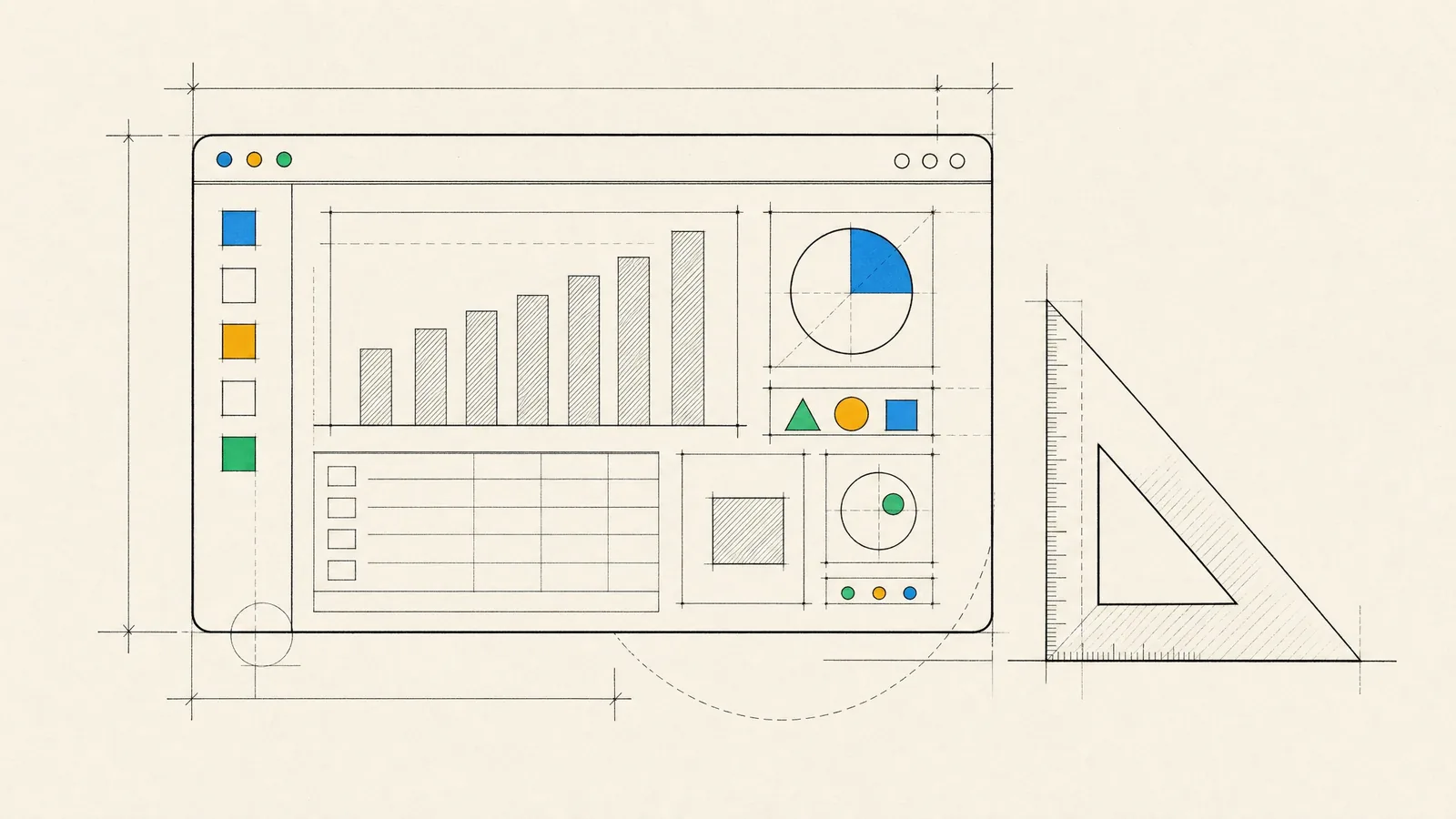
You’re planning a product that people will use in a browser to get real work done. It might be a SaaS platform, a customer portal, an operations dashboard, or an internal tool that replaces a tangle of spreadsheets and email threads. For products like these, successful web application development depends less on the framework you pick than on getting a few early decisions right, then shipping in small, visible steps.
A good first release solves one workflow completely rather than ten partially. Its screens stay quick with real data volumes, permissions are enforced on the server, and deployments are routine instead of events. The architecture also leaves room to grow without a rewrite. This page is our overview, and the linked guides go deeper into each layer.
What we build: SaaS, portals, dashboards and internal tools
SaaS products
These are multi-tenant applications with sign-up and onboarding, subscription billing, roles and permissions, audit logs, and the admin tooling your support team needs. Business customers tend to ask for single sign-on and data export early, so we plan for both from the start.
Customer and partner portals
Self-service areas where customers manage their accounts, orders, documents or support requests. They’re usually integrated with an ERP, CRM or billing system, which stays the source of truth.
Dashboards and data tools
Operational and analytical views over data that may arrive in real time: device telemetry in IoT, transactions in FinTech, content performance in media. They come with filtering, exports and views that change by role.
Internal tools and back offices
Approval workflows, case management, moderation queues and the admin panels behind mobile apps. Tools like these rarely get design attention, which is exactly why a well-built one quickly pays for itself in saved staff time.
In regulated domains such as FinTech, LegalTech and MedTech, audit trails, data retention rules and fine-grained access control are product features in the first release. They can’t be left as hardening tasks for later.
Architecture decisions that matter early
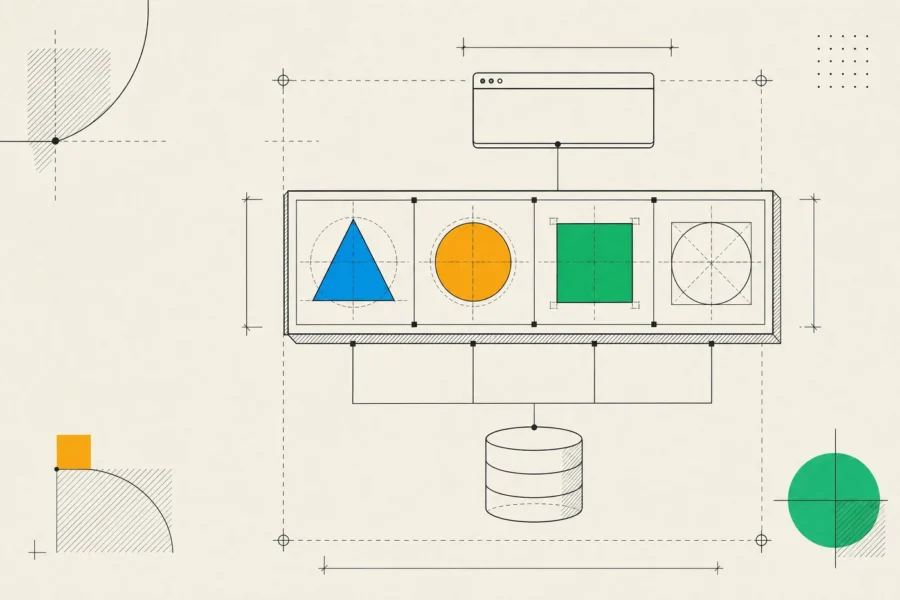
Most technical choices are easy to revisit. A few are expensive to change later, and those get our attention in the first weeks. Below are our usual defaults and what makes us depart from them:
| Decision | Our usual default | When it changes |
|---|---|---|
| Application shape | A modular monolith with clear internal boundaries | Several independent teams, or parts with very different scaling or release needs |
| Rendering | Server-rendered public pages, a client-rendered app behind login | Logged-in screens that must load fast on weak devices or be shared as links |
| API style | REST, described with OpenAPI | Many clients needing different shapes of the same data, where GraphQL earns its complexity |
| Database | PostgreSQL | Search, heavy telemetry or caching workloads that justify a specialized store alongside it |
| Multi-tenancy | One shared database with a tenant key, enforced in code and by the database | Customers who contractually require a separate database |
| Authentication | A proven identity provider or the framework’s built-in auth, never hand-rolled | Enterprise customers who need SAML or OpenID Connect single sign-on on top |
The stack depends more on your team and constraints than on fashion. In the browser we typically use TypeScript with React or Angular, and on the server Node.js, PHP with Laravel, or .NET. Our guides to frontend development, backend development and Node.js development go into the deeper trade-offs.
How a web application development project runs
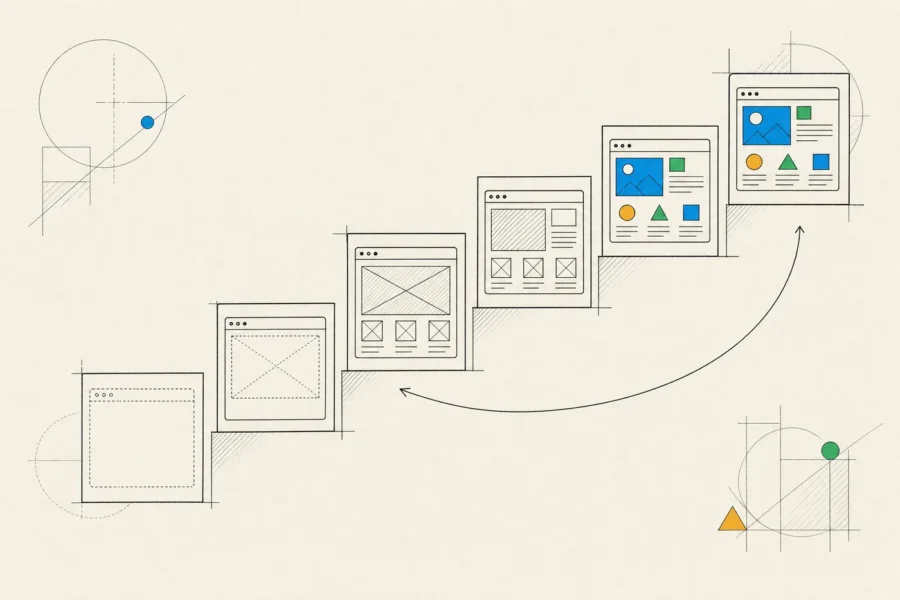
- Discovery comes first. Our business analysts map users and roles, the workflows they perform, the data involved, the systems to integrate and any compliance constraints. You get a prioritized backlog, a clickable prototype of the core flows, an architecture outline, a list of risks and an estimate for the first release.
- In design, product designers turn the prototype into a design system and screens. We test the riskiest flows with a few real users before engineers commit to them.
- The build is split into short iterations, each ending with a demo on a staging environment that mirrors production. Features are built as complete vertical slices, covering interface, API, data and tests, rather than layer by layer.
- QA testers join from the first iteration and write test plans alongside the stories. Automated tests run on every change, and exploratory testing covers what automation misses.
- By launch, data migrations have been rehearsed, new features sit behind flags, and monitoring and alerting are live before real users arrive.
- After that, usage analytics, error tracking and user feedback set the next round of priorities.
Quality, security and performance
Every change goes through code review and a CI pipeline that runs unit and integration tests. Browser tests that exercise the whole system guard the flows that would hurt most if they broke, such as sign-up, payments and permissions.
On security, the OWASP Top 10 is our baseline checklist, and authorization gets extra attention. The server checks every request against who the user is and which tenant’s data they’re touching, because hiding a button isn’t access control. Secrets live in a secrets manager and dependencies are scanned. Data is encrypted in transit and at rest, and backups are proven by restoring them.
For performance, we agree on targets for the screens that matter, load-test at expected peak traffic before launch and track real-user metrics afterwards. Customer-facing apps are built to WCAG AA. Internal tools should be too, since your own staff use keyboards and screen readers as well.
When a web app is the right choice, and when it is not
A web application is usually the right call if your users work at desks, if you want to ship changes daily without app store review, if the product is B2B or used across many devices, or if public pages have to be found through search. It’s also the fastest way to validate a workflow before investing in native apps.
It’s the wrong primary platform when the product depends on deep device features such as background location, Bluetooth accessories or heavy offline use. The same goes when a place on the home screen is part of the value, as it is for most daily-habit consumer products.
Progressive web apps narrow the gap with installation, offline caching and push notifications (on iPhone, only after the user adds the app to the home screen), but they don’t close it. For those products we recommend mobile app development, often with a web admin panel alongside.
And if an existing SaaS product already covers most of what you need, buying and integrating it can beat building. If that’s your situation, you’ll hear it from us during discovery.
How an engagement works
For a new product, we put together a dedicated team: a business analyst, a product designer, frontend and backend engineers and QA testers, with one lead as your day-to-day contact. The mix shifts with the phase. It’s heavier on design early on, and on engineering and QA later. You see the shared backlog, join a demo after each iteration, and get regular written reports on progress, risks and decisions.
Our clients range from one-person startups to large companies. Across the team we have more than 15 years of broad business-domain expertise, and that helps us ask the right questions early in discovery.
We also take on focused engagements, such as design only, a single platform, or rescuing an existing application. A rescue begins with an audit of the code, infrastructure, security and delivery process. Stabilization follows (monitoring, backups, the most urgent fixes), and then incremental modernization, which replaces weak parts one at a time while the product keeps running.
Either way, the source code ends up in your repositories and the infrastructure is defined as code in your cloud account. You also receive API documentation, architecture decision records, automated test suites and runbooks for operating the system.
Frequently asked questions
How much does a web application cost?
It depends on the number of user roles, integrations and compliance requirements, and on how much is custom rather than bought. A useful estimate needs a defined scope. Discovery produces that scope and ends with an estimate for a specific first release.
Should we start with an MVP?
Usually, yes, meaning the smallest release that proves the core workflow with real users. The “minimum” applies to scope, though. Security and code quality are expensive to retrofit, so they shouldn’t be minimal.
Can you take over an existing web application?
Yes. We start with an audit and a written assessment, then agree on a plan with you. Many products need stabilizing rather than rewriting, and incremental modernization is usually the safer path.
Web app or mobile app first?
Follow your users. If they work at desks, or the product is B2B, start on the web. If it lives in their pocket and relies on notifications, sensors or daily habits, start with mobile. Many products end up with both, on one shared backend.
Do you support the application after launch?
Yes. A team can stay on the roadmap, or we can switch to a support agreement with defined response times, monitoring and routine maintenance such as dependency and security updates.
If a workflow in your company still runs on spreadsheets and email threads, walk us through how it works today. We’ll ask about your users and constraints first, then be clear about what we’d build, what we’d buy and what we’d leave out.