Mobile App Development: From Choosing an Approach to Launch
How to choose between native, cross-platform and web for your mobile app, and how we run a mobile project from discovery through launch and beyond.

If you’re planning a mobile app, you’re making two decisions at once: how the app should be built, and how the project should run so it ships and keeps improving. Good mobile app development settles both early, before anyone designs a screen, because the choice between native, cross-platform and web shapes your budget, your team and what the app can do for years.
The target is easy to describe and harder to hit. The app opens quickly, works on the phones your customers actually carry, gets through store review without drama, and can change every few weeks without breaking. This is our overview of how we approach mobile at Inferne, and the articles linked along the way go deeper into each platform and approach.
What we build for mobile
We work across FinTech, LegalTech, IoT, MedTech, e-commerce and media, and the mobile products in those domains tend to take a few shapes:
- Customer apps for financial products: onboarding with identity checks, account overviews, payments and cards.
- Health and care apps that handle sensitive data, such as appointment flows, measurements and patient communication.
- Companion apps for connected devices that pair over Bluetooth or Wi-Fi, provision the hardware and show live readings.
- Shopping apps with catalog, search, checkout and loyalty features, which we cover in m-commerce app development.
- Document and case workflows for legal teams, where access control and audit trails matter more than animation.
- Media and content apps with feeds, subscriptions and offline reading or playback.
Almost every one of these needs a backend behind it, with APIs, authentication, push notifications, payments and an admin panel for the people who run the product. We design and build that part too. The app and its server get planned as one system instead of being split between two vendors.
Native, cross-platform or web: choosing the approach
You can put software on a phone in three broad ways, and each one is the right answer for some products.
| Consideration | Native | Cross-platform | Web app or PWA |
|---|---|---|---|
| Codebases | One per platform, in Swift and Kotlin | One shared codebase, plus native code where needed | One, running in the browser |
| Device features | All of them, as soon as they ship | Most, through libraries or custom native modules | A subset, noticeably smaller on iOS |
| Performance ceiling | Highest | High for typical apps; heavy graphics need native work | Fine for content and forms, weakest for rich interaction |
| Distribution | App Store and Google Play | App Store and Google Play | A link, installable from the browser |
| Best for | Deep OS integration, heavy media, long-lived flagship apps | Product apps that need both platforms and one team | Reach without an install, internal tools, early validation |
Native is the choice when the app’s value depends on the platform itself: camera and audio pipelines, augmented reality, heavy Bluetooth work, background location, home screen widgets or a watch app. It also fits when the app will be your core product for years and you can staff two codebases. Our article on native mobile app development covers what that costs and how we keep two apps in step.
Cross-platform makes sense when you need both iOS and Android and the app is mostly screens, lists, forms and API calls. We build these apps with React Native and plan early for the few parts that will need native code (more on that in React Native app development). Flutter and Kotlin Multiplatform are the other serious options, each with its own trade-offs. What usually decides it is your team’s skills and how much of the app is UI.
A web app or PWA is the better fit when reach matters more than device access, as with content that changes daily, internal tools, or an idea you want to test before committing to two stores. Modern web apps can be installed, work offline and send notifications, but iOS puts real limits on all three. Our piece on HTML5 app development explains where those limits sit.
Whatever you choose, write down why. The product will change, and when it does, whoever revisits the decision needs to know what it was based on.
iOS, Android, or both?
Start with your own data, not global market share. Your website analytics, customer base and sales channels usually show which platform your first users carry. In many markets Android has the larger user base while iPhone users tend to spend more inside apps, but your audience may not follow either pattern. Business apps, meanwhile, often run on whatever devices the company issues.
If the budget covers one platform at launch, pick the one your first customers use. Keep the design system and the API ready for both, so that adding the second platform is an extension and not a rethink. With a cross-platform codebase that step is relatively cheap, while with native it’s effectively a second project. For specifics, see iOS app development for iPhone and iPad, and Android app development for the much wider range of Android devices.
How we run mobile app development end to end
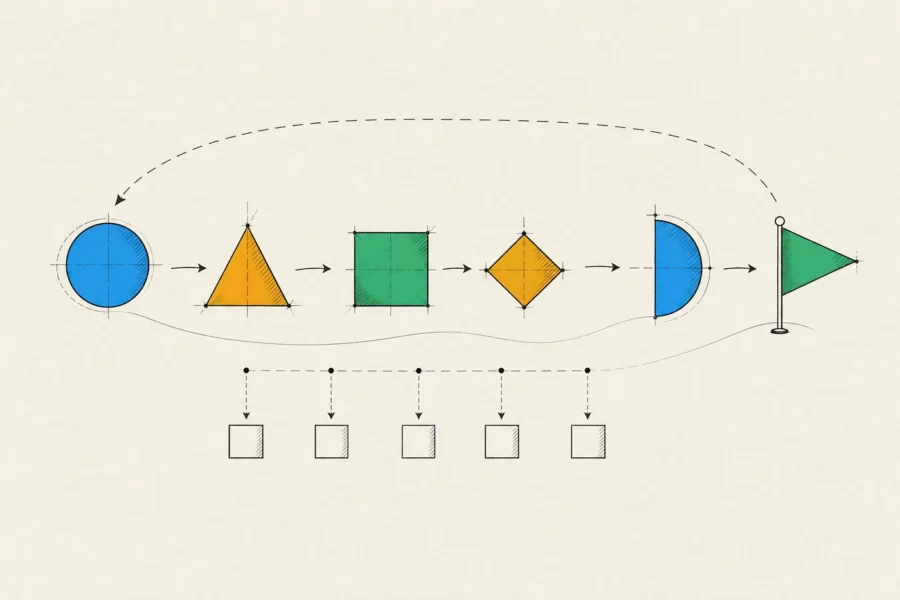
The stages are the usual ones. The differences on mobile are in the details of each.
Discovery
Our business analysts and designers work with you on the users, the goals and the riskiest assumptions, and then settle the approach and the platforms. We also check early for store rules that shape the product, such as in-app purchase requirements for digital goods, account deletion, permission justifications and privacy disclosures. A policy conflict found at this stage takes a conversation to resolve, while one found during review can cost you a release. Discovery ends with a scoped backlog, an architecture sketch and an estimate.
Design
We map the flows, build a clickable prototype and put it in front of real users before engineering starts. The designs follow each platform’s conventions for navigation, back behavior, typography and system controls, and accessibility goes into the first draft instead of a late audit.
Build
Engineering runs in small iterations, and every iteration ends with a build you can install through TestFlight or a Google Play testing track. Continuous integration builds and tests every change. The API contract is agreed before either side writes code against it, and feature flags keep unfinished work switched off in releases.
Quality assurance
QA testers are involved from the first iteration. Critical flows get automated unit and UI tests. Exploratory testing runs on a device matrix chosen from your audience, older and budget phones included, and every release candidate goes through regression testing before it’s submitted.
Launch
We prepare the store listings, privacy details and review notes, including a demo account so reviewers can reach every feature. Releases roll out gradually (phased release on the App Store, staged rollouts on Google Play), and crash monitoring decides whether a rollout widens or pauses.
Iteration
After launch, analytics, crash reports and store reviews feed the roadmap. Apple and Google also shift the ground every year with new OS versions and stricter store requirements, which is why a mobile app needs a maintenance budget even when no new features are planned.
What quality means on a phone
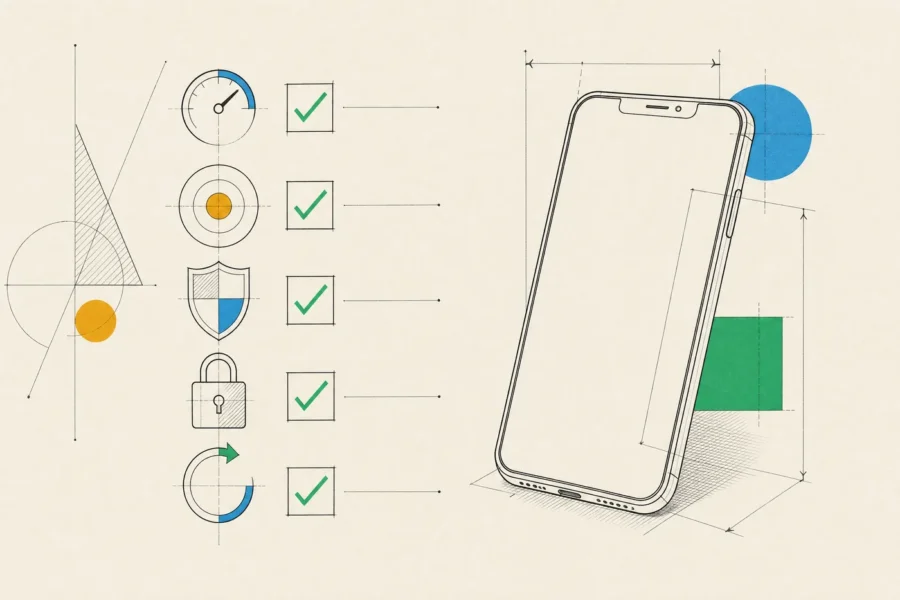
On a phone, quality means a handful of specific things:
- Fast cold starts, smooth scrolling and sensible behavior on a slow connection. We test on mid-range Android phones as well as the newest iPhone, because that’s where problems show first.
- Labels for VoiceOver and TalkBack, support for larger text sizes, sufficient contrast and touch targets large enough to hit.
- Credentials protected by the iOS Keychain or the Android Keystore, TLS everywhere and no secrets shipped inside the app. For FinTech or MedTech work, the OWASP mobile security standard (MASVS) is the checklist.
- Permission prompts that explain themselves, accurate App Store privacy details and Google Play Data safety answers, and data collection limited to what the product needs.
- Sensible offline states, retries that never duplicate an order or a payment, and a way to require an update when an old version has to be retired.
How an engagement works
Clients come to us at very different stages, from one-person startups to large companies, and engagements usually take one of two shapes.
A dedicated product team takes a product from idea to launch and beyond. It’s made up of a business analyst, a product designer, mobile engineers, a backend engineer where the product needs one, and QA, with one point of contact on our side. A focused engagement covers one piece of the work instead: design only, a single platform such as an Android version of an existing iOS app, or the rescue and modernization of an app that crashes, fails review or runs on outdated dependencies.
In both cases you get regular demos, written progress reports and a shared backlog you can read at any time, and our agreements spell out the scope and how changes are handled. The code lives in your repository and the apps are published under your own Apple and Google developer accounts. Design files and documentation are handed over as the work progresses rather than at the end. If you’re at the very beginning, mobile app development for startups covers how we scope a first release.
Frequently asked questions
How long does it take to build a mobile app?
Scope, platforms and integrations matter far more than the number of screens. A focused first release usually takes months rather than weeks, and a clickable prototype takes weeks rather than months. We give a real estimate after discovery, once the scope is concrete enough to estimate properly.
How much does a mobile app cost?
Cost follows scope: one platform or two, the approach, backend complexity, third-party integrations, design depth and compliance needs. We don’t publish prices, because two apps with the same screen count can differ enormously in effort. After discovery you get an estimate, usually with options for what to build first and what to defer.
Can you take over an app another team built?
Yes. We start with an audit of the code, dependencies, build pipeline, crash data and store status. Then we propose a plan to stabilize or modernize it. Rebuilding is on the table only when it’s genuinely cheaper.
Do we need a backend?
Almost every app does, for accounts, data sync, notifications, payments or content management. We can build it alongside the app or integrate with the systems you already run.
You don’t need to have picked an approach before talking to us. The most useful first step is a conversation about your users and what the app has to do for them, so reach out to set up that conversation. We’ll come back with a recommended approach, which may be not to build an app at all.