Website Development: Fast, Accessible Sites Your Team Can Update
How we plan and build company and marketing websites that load fast, rank well, meet accessibility standards and stay easy for your team to update.
You want a website that explains what your company does within seconds, loads quickly on an average phone, shows up when people search for what you offer, and lets your marketing team publish a new page without filing a ticket. That’s the practical definition of good website development for a company or marketing site, and code is only one part of it.
In concrete terms, pages arrive as real HTML that search engines and screen readers can read. Images, fonts and third-party scripts are kept on a budget. The CMS matches how your team actually publishes, and the site survives its next redesign without a rebuild. The rest of this article covers how we get there and where the trade-offs sit.
What we build, and when a custom site is worth it
Most of the websites we build fall into a few groups:
- Company sites that explain your services, build trust and route inquiries to the right people.
- Product marketing sites for SaaS products and mobile apps, with feature pages, pricing, changelogs and a clean hand-off into sign-up or the app stores.
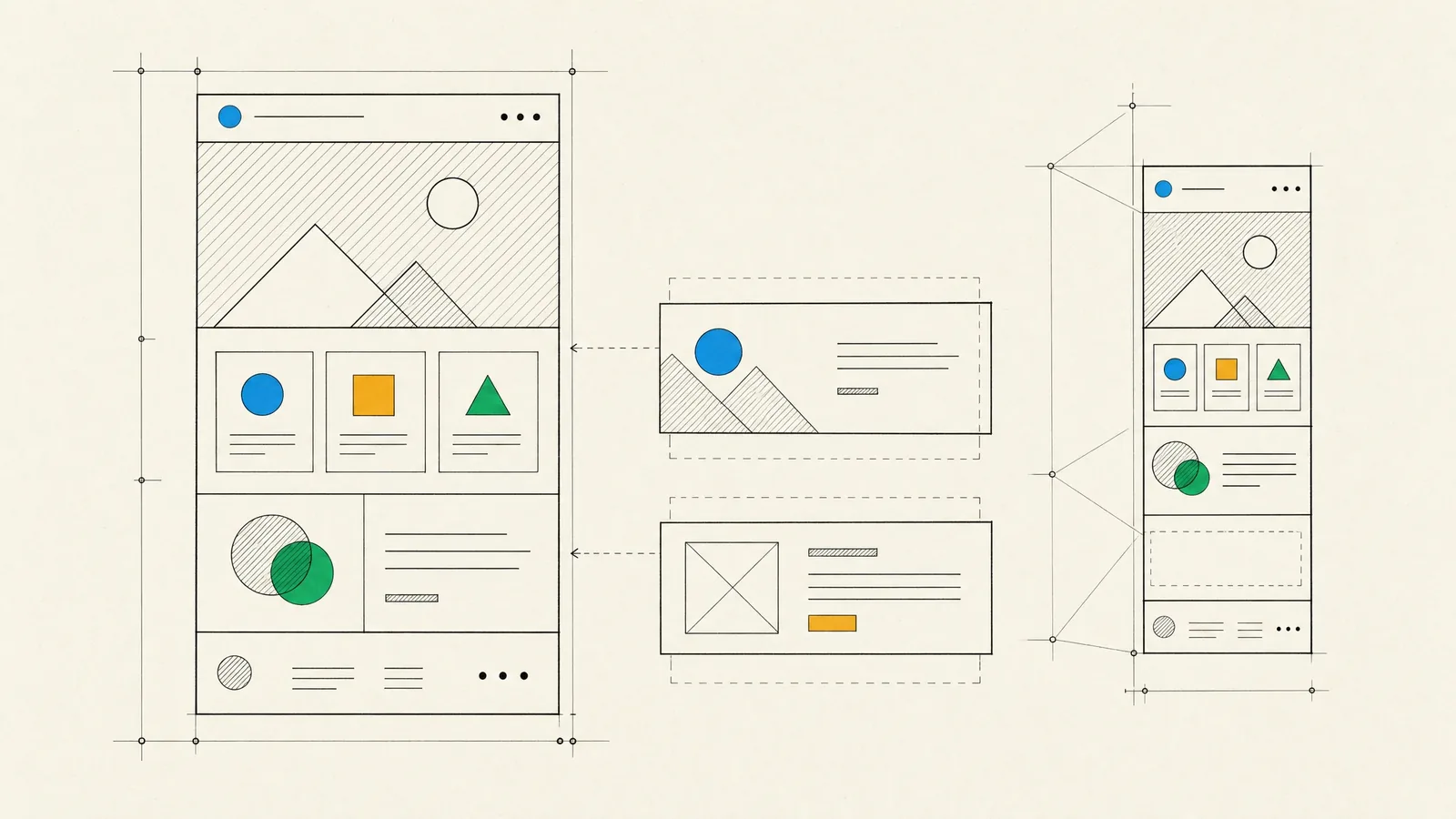
- Landing page systems, where marketers assemble campaign pages from approved sections instead of waiting for new templates.
- Content hubs such as blogs, resource libraries, news sections and documentation, which need solid structure and good internal search.
- Multi-language sites for companies selling across regions, with localized URLs and a translation workflow.
A custom build earns its cost when the site has to integrate with other systems such as a CRM or a booking engine, when content is shared with an app, or when performance and accessibility requirements are strict. It also makes sense when a template would squeeze your brand into someone else’s layout. If you need a handful of pages, no integrations and full control yourself, a hosted site builder is often the better call, and we’ll recommend one.
An online store or a portal with logins is a different kind of project. Our guide to web application development covers that side.
How our website development process runs
Websites fail more often because of content than because of code, so our process deals with content and structure early.
- Discovery sets the goals and audiences. We review your analytics and Search Console data and inventory the current site: every URL, what ranks, what converts and what can go.
- Structure means a sitemap, a set of page templates and a content model that defines the fields each page type needs. Redirects from old URLs to new ones are mapped here, one by one.
- Design works on templates and reusable sections rather than one-off pages, with mobile layouts, states and color contrast settled up front. When the interface needs deeper research, our UI/UX design team leads this stage.
- The build covers components, CMS configuration, live preview, forms, integrations, and analytics that respects consent choices.
- Our QA testers check browsers and devices, keyboard and screen reader behavior, forms, redirects and page speed against the agreed targets.
- At launch, the new site and its redirects go live together and the sitemaps are submitted. We watch crawl errors and broken links closely in the weeks after launch before moving on to improvements.
Performance and SEO foundations
Speed on a marketing site is mostly discipline. Google measures real-user experience with the Core Web Vitals: Largest Contentful Paint for loading, Interaction to Next Paint for responsiveness, and Cumulative Layout Shift for visual stability. Poor scores tend to have predictable causes, and the fixes are just as predictable:
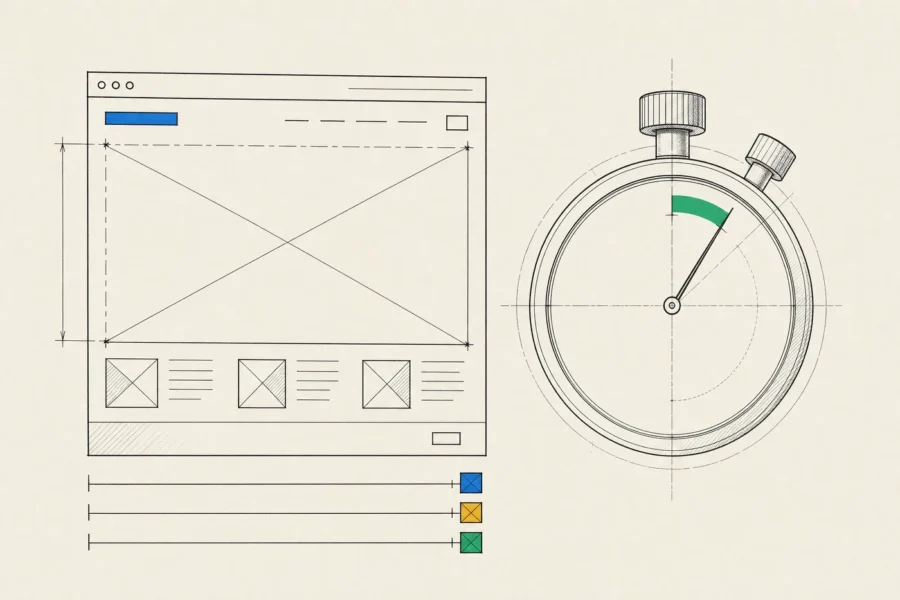
- Images in modern formats such as AVIF or WebP, sized per screen, with dimensions reserved so the layout doesn’t jump. The main hero image is never lazy-loaded.
- Fonts that are self-hosted, subset and preloaded, with a fallback font tuned to similar metrics.
- Third-party scripts treated as a cost. Tag managers, chat widgets, heatmaps and testing tools are where most marketing sites lose their speed, so each one has to justify its place.
- Pages pre-rendered or cached on a CDN, so the first byte arrives quickly wherever visitors are.
Lab tools are useful during development, but we judge the site by field data from real visitors, since that’s what Google uses. Our frontend development guide explains how we set and enforce performance budgets.
SEO foundations belong in the build rather than in a later audit. That means server-rendered HTML, one clear H1 per page and a logical heading order, stable and readable URLs, canonical tags, an XML sitemap, sensible robots rules, hreflang for language versions, and structured data for your organization, articles and breadcrumbs. Titles, meta descriptions and social preview images are editable CMS fields, and the staging site stays out of the index.
In a redesign, the redirect map matters most. Every old URL with traffic or links should 301 to its closest new equivalent. Good foundations make a site easier to rank, but you still need a search strategy on top of them, and our SEO services guide covers keyword research, content planning and earning links.
Choosing a CMS: traditional, headless or none
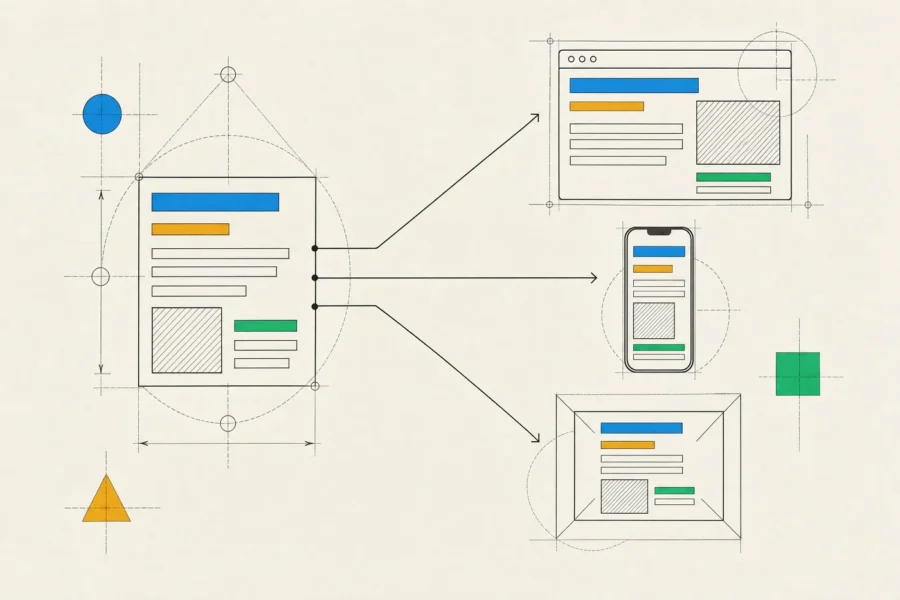
The right CMS is the one your editors will use well and your developers can maintain, which makes it a question about your team and your content more than about what’s fashionable.
| Option | Works well when | Watch out for |
|---|---|---|
| Traditional CMS, such as WordPress | A small team publishes often and wants familiar editing and a large choice of plugins | Plugin sprawl, a steady stream of security updates, and speed that depends on discipline |
| Headless CMS, such as Contentful, Sanity, Strapi or Storyblok, with a modern frontend | Content is reused across the site, an app or several regions, and performance targets are strict | Two systems to run, developer time for every new page type, and live preview that needs deliberate setup |
| Static site with content in Git | Documentation and developer-facing sites whose editors are comfortable with Git | Non-technical editors struggle without a Git-based editing layer on top |
| Hosted site builder, such as Webflow | Marketing wants full control of a modest site with no custom integrations | Lock-in, limited custom logic, and a site you can’t fully move elsewhere |
Whichever route you take, give editors structure rather than a blank canvas. A content model with typed fields such as title, summary, author and related products survives redesigns and can feed search, newsletters and apps. One giant rich-text field can’t do any of that.
Accessibility and a content workflow your team can run
We build to WCAG AA. On a website, most of that is getting the templates right: semantic landmarks and a skip link, a logical heading structure, visible focus states, full keyboard access to menus and dialogs, labeled form fields with clear errors, contrast built into the color tokens, captions for video, and motion that respects reduced-motion settings.
Automated checks only catch part of this, so our QA testers also go through the main pages with a keyboard and a screen reader. Accessibility is increasingly a legal matter as well. In the EU, the European Accessibility Act covers many consumer-facing online services, online shops included.
Once the site is live, the CMS is where accessibility and consistency either hold up or slowly erode, so the editing experience gets the same care as the templates:
- Reusable sections with sensible limits, so editors can build new pages without breaking the layout.
- Required alt text and focal points on images.
- Drafts, live preview, scheduled publishing and roles, plus an approval step where your industry needs one, as FinTech and MedTech often do.
- A translation workflow for multi-language sites.
- Redirect management inside the CMS, so a renamed page doesn’t turn into a dead link.
At handover, your editors get a short guide written for them rather than for developers, plus a walkthrough session.
How a website engagement works
A typical website team pairs a business analyst or project lead with a designer, one or two frontend engineers and a QA tester, with backend help when integrations call for it. You have one point of contact and a staging site to click through early on. Regular written progress reports tell you what’s done, what’s next and what’s blocked.
At launch you receive the codebase in your own repository, the CMS configured and filled with your migrated content, hosting and analytics set up under accounts you own, the redirect map and the editor guide. We can stay on after that for updates, security patches and new sections, or hand everything over to your team. Either way, the site shouldn’t depend on us to keep running.
Frequently asked questions
How long does a website project take?
Content drives the timeline more than code does. A focused site with a handful of templates and content that’s ready usually takes weeks, not months. Large migrations, several languages and complex integrations add time, and discovery gives you a realistic plan before the build starts.
Will we lose search rankings when we launch the new site?
Every migration carries some risk, and nobody can promise zero movement. In most cases, a complete redirect map, preserved content on pages that already rank, and close monitoring in Search Console after launch keep any dip small and short-lived.
Can you build from our existing designs?
Yes. We review them first for gaps such as mobile layouts, empty and error states, and contrast problems, and we agree on changes before we build.
Do you build multi-language websites?
Yes, with localized URLs, hreflang tags, language switching that respects the visitor’s choice, and a CMS workflow where translators work on drafts without touching live pages.
What do you need from us to start?
Your goals, access to analytics and Search Console, your brand assets, and one person on your side who owns content decisions. The last one matters most.
When the current site is slow, hard to edit or overdue for a rebuild, point us to it with a line about what’s frustrating your team. We’ll look at it and come back with questions, the options as we see them and a plan for where to begin. If there’s no site yet, a short brief works just as well.