iOS App Development: From Architecture to App Store Release
How we approach iOS app development end to end: SwiftUI and UIKit architecture, testing, security, and getting through TestFlight and App Store review without surprises.
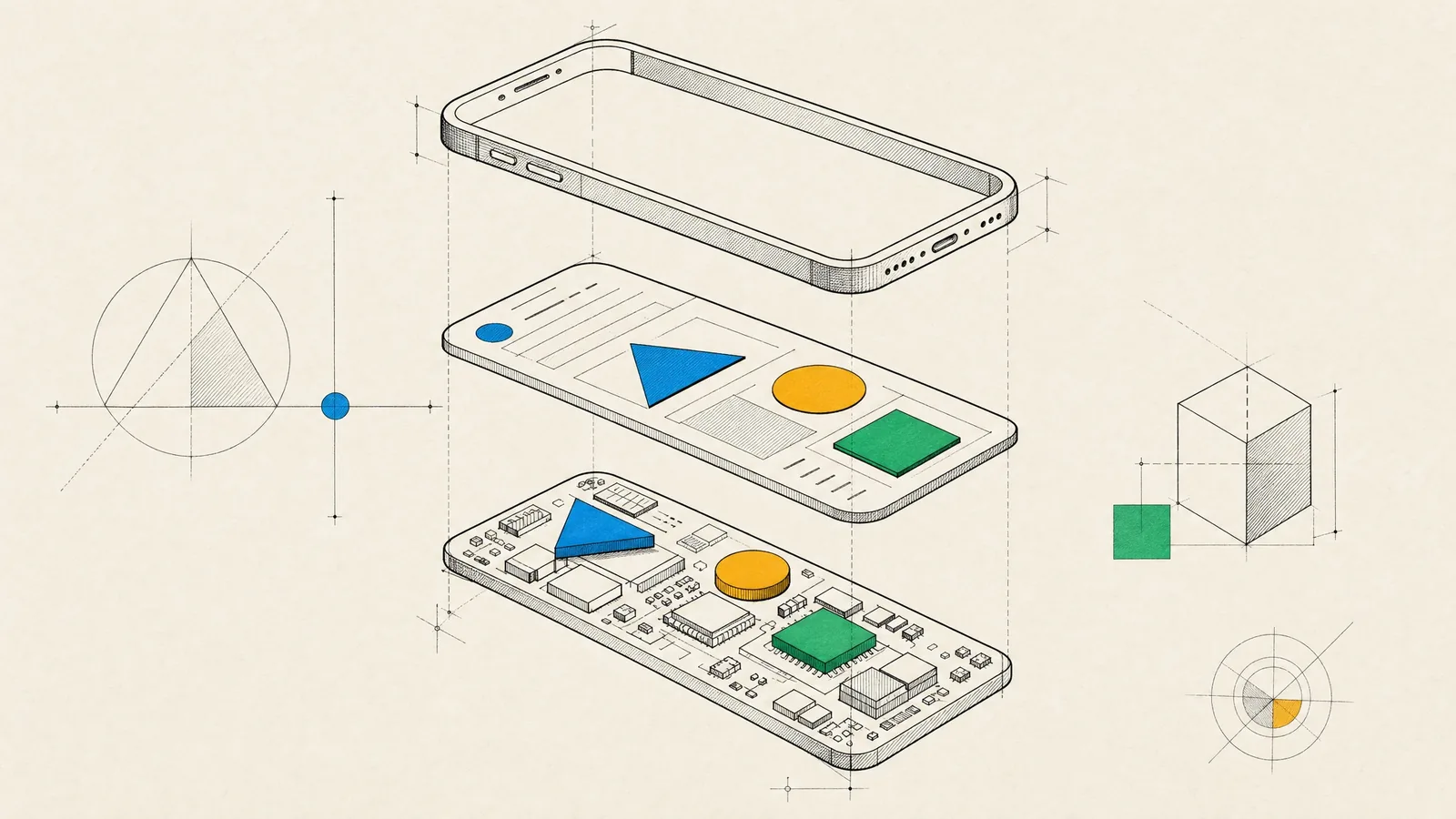
You want an iOS app that feels at home on the platform and keeps up with a year of feature requests without slowing down. It also has to get through App Store review without drama. To us, iOS app development means the app itself plus the engineering practice around it, from architecture and tests to the release pipeline and the review process.
In practice, the app launches quickly, works with VoiceOver and the largest text sizes, and behaves sensibly on a bad connection. A new engineer can find their way around the codebase without a guided tour. Releases are uneventful: a build goes to TestFlight, testers sign off, and a phased rollout reaches your users while crash rates stay flat.
What we build for iOS
The iOS products we build usually take one of these shapes:
- Consumer apps with accounts, subscriptions and push notifications, where retention depends on small details.
- FinTech apps: onboarding with identity checks, balances, payments, card controls, and the security scrutiny that comes with all of that.
- Companion apps for IoT and MedTech hardware that talk to devices over Bluetooth and sync readings to a backend.
- E-commerce and media apps, where browsing, search, checkout and playback have to feel instant.
- Internal tools for teams in the field, often distributed privately instead of through the public App Store.
iOS work rarely stays on one device. A single Swift codebase with shared packages can serve iPhone, iPad, Apple Watch, Apple TV and, with some extra work, the Mac. Each device raises its own product questions, and we’ve written about those separately for iPhone apps and iPad apps. This article covers the platform and the engineering practice underneath all of them.
How we approach iOS app development
The phases themselves are the usual ones. What’s specific to iOS is the work inside each of them.
- Discovery maps the core user flows and the platform features they depend on, such as push, widgets, Sign in with Apple, in-app purchase, HealthKit or Bluetooth. We set the minimum iOS version from your audience data and look at App Review risk early, because payment rules, login requirements and account deletion end up shaping the product itself, well before anything is submitted. If your company isn’t in the Apple Developer Program yet, enrollment starts now. Organizations need a D-U-N-S number, and verification can take a while.
- In design, we work from Apple’s Human Interface Guidelines and native patterns: navigation stacks, tab bars, sheets, system controls. Dynamic Type, Dark Mode and accessibility are in the first mockups rather than a later pass.
- The build runs as a series of short iterations. Each one ends with a TestFlight build you install on your own phone, so you judge progress by using the app instead of reading a status line.
- QA covers the smallest supported iPhone and the oldest supported iOS version, poor networks, and interruptions such as a call arriving mid-purchase.
- For launch, we prepare the App Store listing, privacy details and review notes, submit, and release in phases.
- After that, crash, hang and launch-time data from Xcode Organizer and MetricKit, together with product analytics, set the priorities for the next iteration.
Architecture: SwiftUI, UIKit and the layers underneath
SwiftUI is our default for new apps. It takes less code, previews shorten the design feedback loop, and many of the same views carry over to watchOS, tvOS and the Mac. UIKit still earns its place for specific components. The two interoperate cleanly, which makes this a per-screen decision instead of a bet on the whole app.
| Need | What we reach for |
|---|---|
| Standard screens, forms, settings, onboarding | SwiftUI with Observation-based models |
| Very large or highly customized collection layouts | UIKit collection views, hosted inside SwiftUI where needed |
| Advanced text editing and custom text layout | UIKit text views and TextKit |
| Interface code shared with Apple Watch | SwiftUI, since UIKit isn’t available on watchOS |
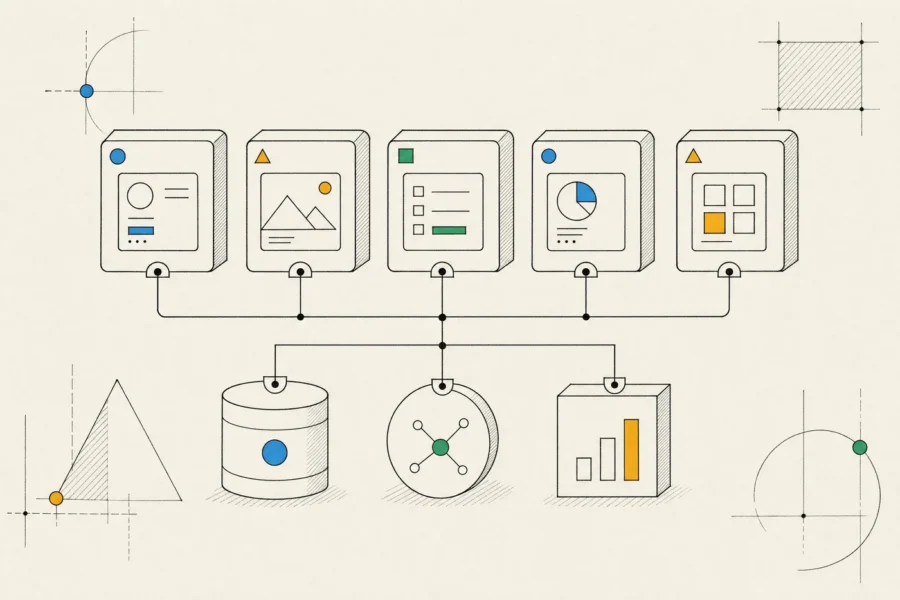
Below the UI, the architecture stays deliberately plain. Features live in their own Swift packages, views are backed by observable models, and services such as networking, persistence and analytics sit behind small protocols so tests can replace them. Frameworks like The Composable Architecture give strong guarantees for complex state, but they add a learning curve and a dependency your team has to live with. We use them when the people inheriting the code want them.
SwiftData is convenient for persistence and fits SwiftUI well, but it’s younger than Core Data. For complex migrations or heavy sync, we often prefer Core Data or SQLite directly. Networking is URLSession with async/await, and when the backend publishes an OpenAPI spec, we generate the client from it. Dependencies come through Swift Package Manager and we keep them few, since every third-party SDK adds binary size, launch time and privacy manifest obligations. CocoaPods is winding down, so moving an older project off it is often the first step of a modernization. For the language-level side, including concurrency, testing and modularization, see our article on Swift app development.
Quality, testing and App Store review
Testing, performance, accessibility and security
Every pull request builds and runs the tests on CI, either on Xcode Cloud or on macOS runners in GitHub Actions. When the main branch is green, it produces a signed TestFlight build without anyone opening Xcode.
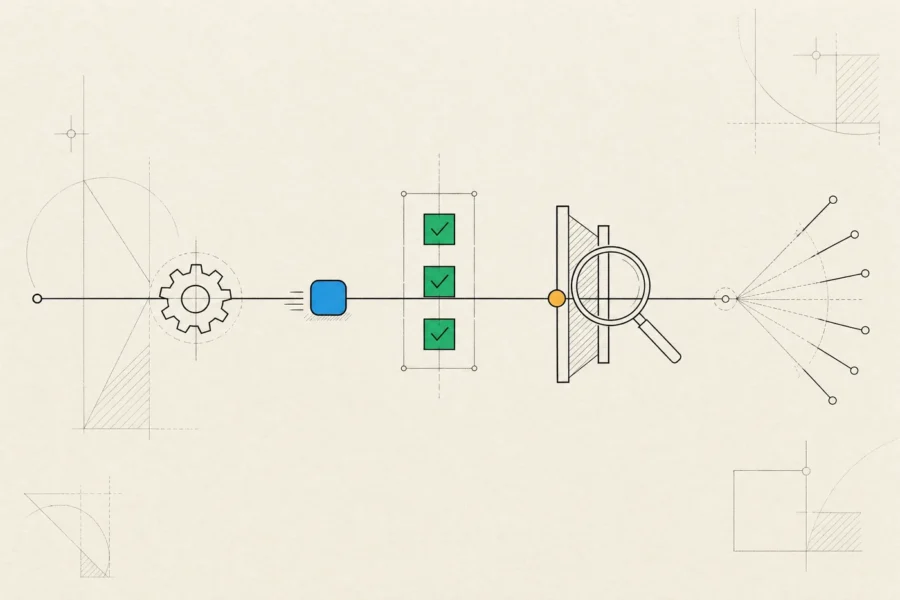
Unit tests cover models, state and services. A small set of UI tests protects the flows that must never break (sign-up, sign-in, purchase and the core task), and snapshot tests catch layout regressions across text sizes and appearance modes. Before release we profile launch time, hangs, scrolling and memory with Instruments, and after release we watch the same metrics from real devices.
Automated accessibility audits in the UI tests catch missing labels and contrast problems. A manual VoiceOver pass catches what automation can’t judge.
On security, tokens live in the Keychain, never in user defaults, and App Transport Security stays on. No secrets ship in the binary, where anyone can extract them. For sensitive endpoints, App Attest lets your backend verify that requests come from a genuine copy of your app. We only use certificate pinning with a rotation plan, because a stale pin can lock out every user at once.
Getting through TestFlight and App Store review
Internal testers get new builds as soon as processing finishes. External testers need a light Beta App Review for the first build of each version, so plan for that before a stakeholder demo.
A lot of rejections are predictable, and we design them out early. The usual causes:
- Digital content or subscriptions sold outside in-app purchase in a way the rules for that region don’t allow.
- Third-party login without an equivalent privacy-friendly option such as Sign in with Apple.
- Account creation with no way to delete the account inside the app.
- Vague permission purpose strings, or features behind a login with no demo account in the review notes.
- An app that’s essentially a website in a wrapper, which fails the minimum functionality rule.
App Store Connect also asks for accurate privacy details, an age rating, export compliance answers and, for the EU storefront, your trader status. Updates go out as phased releases, which reach automatic-update users over about a week and can be paused. Server-side feature flags let you switch off a misbehaving feature without waiting for review, and a minimum-version check lets you retire old builds when an API has to change.
When native iOS is the right choice, and when it isn’t
Native iOS is the right call when your audience is mostly on iPhone, or when the product depends on platform features such as widgets, Live Activities, HealthKit, Apple Pay or Apple Watch. It also makes sense for performance-sensitive interfaces (camera, audio, maps, real-time data) and for products that will live long enough for quality to compound.
It’s the wrong call when you need iOS and Android at the same time on a limited budget and the product is mostly lists and forms. A cross-platform approach such as React Native will usually get you further there. If the product is content people read once, a fast mobile website is cheaper and easier to find. And if you’re still testing whether anyone wants the product, a clickable prototype will teach you more than a polished native build.
How an engagement works
A typical iOS team has iOS engineers, a product designer, a QA tester and a business analyst, plus backend engineers when the product needs an API. Every iteration ends with a demo and a TestFlight build, and you have written progress reports and access to the backlog the whole way through.
You end up with the source code in your repository, a CI pipeline that builds and tests every change, the app in your own Apple Developer account, concise architecture notes and a release checklist. Launch isn’t the end of the work, though. Apple’s yearly cycle of new SDK requirements, deprecations and betas means every app needs regular attention, and App Store Connect periodically raises the minimum SDK for uploads. A neglected app can’t ship even a one-line fix until it’s brought up to date. We can stay on for that work or hand it over to your team.
Some engagements are narrower. We might build only the iOS app alongside your Android team, overhaul the design, or rescue an existing app, whether that’s an Objective-C codebase nobody wants to touch or an app stuck in a cycle of review rejections.
Frequently asked questions
Should we launch on iOS first or on both platforms at once?
Launch where your users are. If your market data points to iPhone, going iOS first lets you learn with one codebase, and we keep the API platform-neutral so Android can follow without backend rework. If you need both at launch, consider a cross-platform build.
Which iOS versions should we support?
Decide from your own analytics and Apple’s published adoption figures. Every older version costs testing time and keeps newer APIs out of reach, so most apps support the current major version and a small number before it.
How long does App Store review take?
Usually not long, but nothing is guaranteed. Leave room in the launch plan for one rejection and resubmission, and keep marketing dates flexible until the build is approved.
Who owns the app and the developer account?
You do. Your company should hold the Apple Developer account and the App Store listing, and we work inside it as team members. Certificates, customer reviews and revenue stay with you whatever happens to the engagement.
We take on new iOS apps as well as inherited ones that need care. Drop us a few lines about yours and your timeline, and we’ll come back with questions, a proposed approach and the trade-offs we see.