Apple TV App Development: tvOS Apps for the Living Room
How we build tvOS apps people enjoy from the couch: the focus engine and Siri Remote, streaming with HLS and FairPlay, easy sign-in, and living-room UX.
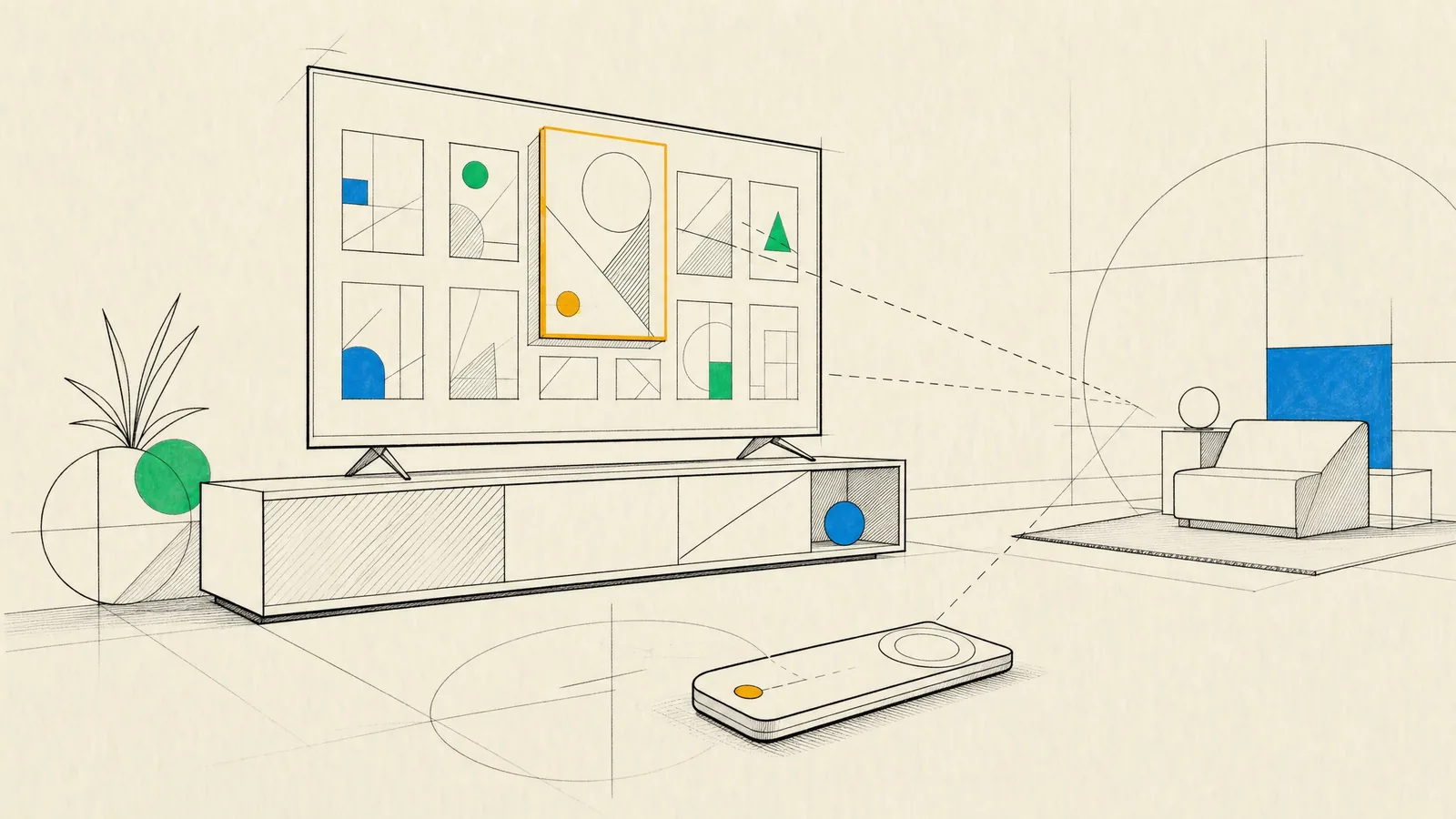
An Apple TV app gets used from across the room, with a remote that has only a handful of buttons, and often by several people sharing one screen. Apple TV app development is about making that setup feel effortless, which means putting content first and keeping focus obvious at all times. Video has to start quickly and look right on a large display.
When it works, you always know which item is focused and where a swipe will take you, and Back does what you expect. Playback matches the TV’s frame rate and dynamic range. Nobody has to type an email address with a remote to sign in, and the app feels like part of tvOS instead of a phone app blown up to fit a big screen.
What we build for Apple TV
- Streaming apps for video on demand, live channels and events, video podcasts, radio and music.
- Fitness and wellness classes, since the TV is the natural screen to follow along with.
- Education and kids’ content, designed with profiles and parental controls in mind.
- Shopping and lifestyle apps (catalogs, recipes, travel, shoppable video), where purchases are often finished on the phone.
- Apps for hotel rooms, waiting areas, showrooms and signage. In these the device is supervised through MDM and locked to your app in Single App Mode.
- Second-screen experiences that pair the TV with an iPhone app, and casual games played with the remote or a controller.
We take on new tvOS apps as well as improvements to existing ones, and we also bring iOS products into the living room.
Living-room UX and the focus engine
Designing for the couch
Apple TV has no touch screen and no pointer. As people swipe and click on the remote, the focus engine decides which element is active, and the focused item lifts, scales and catches the light so it’s visible from the sofa. Most of living-room UX follows from that:
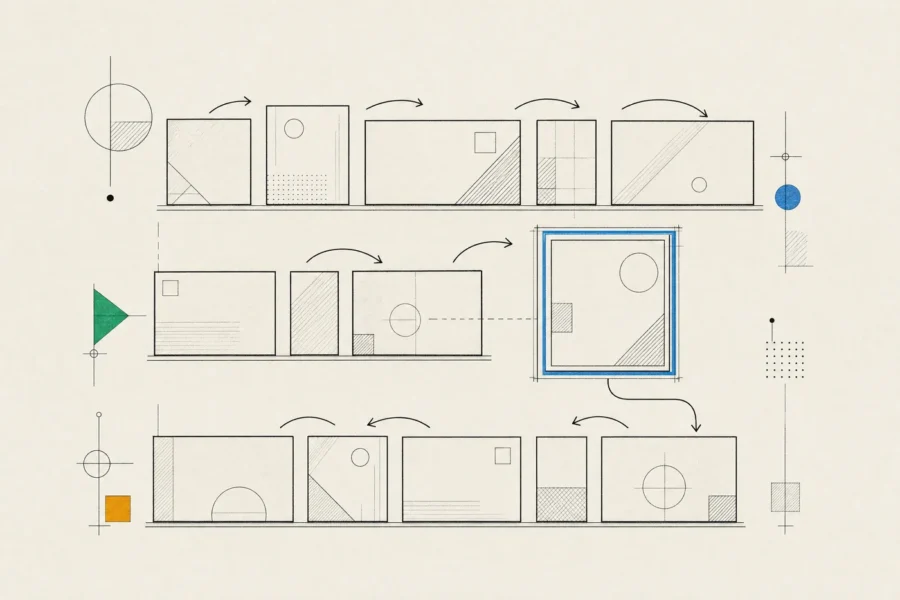
- Layouts that match the platform, with horizontal shelves of posters, clear rows and grids, generous spacing, and margins that keep content inside the safe area on every TV.
- Type that stays legible at a distance. That means few words, large sizes, no thin weights and strong contrast, in a dark interface that suits a dimmed room.
- A predictable Back button. It always goes up one level, and at the top level it returns people to the Home Screen instead of trapping them in a confirmation dialog.
- Support for every kind of remote. Different Siri Remote generations, the remote in the iPhone’s Control Center and game controllers all drive the same interface, so nothing should depend on a gesture only one of them supports.
- The system search and keyboard, which support dictation, rather than a custom on-screen keyboard.
- A Top Shelf extension. When people put your app in the top row of the Home Screen, it can show continue-watching items or new episodes there.
Engineering focus
Many of the bugs people notice on tvOS are focus bugs. Focus gets lost after a data reload, jumps unpredictably between rows of different lengths or gets trapped inside a section. Sometimes a custom view takes focus without showing it. The tools that prevent this are well known: focus guides that bridge gaps between elements that don’t line up, preferred focus environments, remembering the last focused item in a collection, and in SwiftUI, focus sections, focus state and default focus. They only work if focus is designed on paper before anyone writes code, so we map where focus should go from every element and then test it with a physical remote.
SwiftUI is Apple’s recommended way to build tvOS interfaces, and Apple has deprecated TVMLKit, its older template-and-JavaScript framework, in its favor. SwiftUI handles catalog layouts, lockups and shelves well. For highly customized focus behavior, or when you’re extending an existing UIKit codebase, UIKit with TVUIKit’s poster and lockup views is still a good choice.
Teams coming from iOS tend to get caught by two platform constraints. One is storage: tvOS treats most local storage as a cache the system can purge when space runs low, so user data and progress live in iCloud or on your backend, and only small preferences stay on the device. The other is that tvOS has no web views, which means HTML screens and web-based login flows from a mobile app can’t be reused. Artwork needs care as well. We prefetch images and downsample them to their display size, because otherwise scrolling suffers on older Apple TV models.
Streaming and playback done properly
For video we start from the system player. It comes with the transport controls, info panel, subtitle and audio track selection, Picture in Picture and Siri playback commands people already know, and you can extend it with contextual actions such as Skip Intro, custom info panel tabs and extra menu items. A fully custom player means rebuilding all of that, accessibility included. We only recommend one when the product really needs it.

- HLS is the native streaming format. The biggest gains in perceived quality come from a well-built bitrate ladder, I-frame playlists for fast scrubbing previews and low-latency HLS for live events.
- A film shot at cinema frame rates or mastered in Dolby Vision should switch the TV into the matching mode. The system player handles this display matching when people turn on content matching, while a custom player has to request it itself.
- Premium content usually requires FairPlay Streaming. That needs credentials from Apple and a server that issues content keys, often through a multi-DRM provider that also covers other platforms.
- Server-side ad insertion keeps playback smooth, and AVFoundation also supports HLS interstitials if you want client-driven ad breaks.
- Startup time, rebuffering, bitrate switches and playback errors flow from the player’s access and error logs into your analytics, so problems show up in the data before they show up in reviews.
Behind the app sit a catalog service, entitlements, signed CDN URLs and concurrent-stream limits, and our backend development team builds that side too. Appearing in Apple’s own TV app, with Up Next and universal search, isn’t a switch in Xcode. It’s a partnership with Apple under its video partner requirements, so if that matters to you, we raise it early.
Sign-in, subscriptions and the household
In most TV apps the worst moment is typing with a remote. We design around it:
- Sign in with Apple, plus AutoFill of existing passwords from a nearby iPhone, set up through associated domains.
- A short code or QR code on screen that people confirm on their phone, for accounts managed on the web.
- On newer tvOS releases, apps that adopt it can also carry a sign-in over from the user’s other Apple devices.
Subscriptions sold in the app go through in-app purchase. Universal purchase lets one subscription cover your iPhone, iPad and Apple TV apps, and if people also subscribe on the web, your backend grants access everywhere. Because Apple TV is a shared device, we decide early whether the app follows the system’s current user, keeps its own profiles or does both, and how kids’ profiles should behave.
SharePlay lets people watch together over FaceTime with playback kept in sync. For second-screen features, Apple provides a framework that connects a tvOS app to your iPhone app over the local network on Apple TV 4K models. For some products, though, solid AirPlay support in a well-built iPhone app is all the big screen needs.
How we approach Apple TV app development
Discovery covers the content model and catalog size, rights and DRM obligations, monetization, and the other screens you need, since tvOS rarely ships alone. Designers work in true TV proportions. We review designs on an actual television, sitting on the sofa, and never only on a desk monitor. The app shares Swift packages with your iOS app for models, networking and player logic, with the tvOS interface built in SwiftUI. Our guide to iOS app development covers the wider engineering practice.
QA runs on real Apple TV hardware, older and newer models, on SDR and HDR televisions and with each remote type. We also test on throttled networks and run long playback sessions to catch memory growth. Captions, audio descriptions and VoiceOver are tested like any other feature. For launch we prepare the tvOS screenshots, the Top Shelf artwork and the layered app icon that tilts under focus. Each short iteration ends with a TestFlight build you can install on your own Apple TV, along with a written update.
When Apple TV is the right choice
Apple TV suits lean-back content, long sessions and shared viewing, especially when your audience already owns the hardware. Fitness, education and premium streaming all fit well.
It isn’t the whole living room, though. If your audience is spread across smart TVs and other streaming devices, tvOS reaches only part of it. The better plan then is a shared backend and shared player logic, with a native app for each major platform. For short-form or social experiences the phone may be the better primary screen, with AirPlay covering the TV. And since tvOS has no web views, an HTML-based TV app from another platform won’t port over; it needs a native rebuild.
Frequently asked questions
Can we reuse our iOS app’s code for Apple TV?
Much of the non-UI code, yes. Models, networking, player logic and business rules can live in shared Swift packages. The interface needs its own design for focus and viewing distance, although SwiftUI lets you reuse some components.
Do we need DRM?
If your content licenses require it, yes, and premium licenses usually do. On Apple devices that means FairPlay Streaming. Other platforms use different systems, which is why a multi-DRM provider is common.
Can our app appear in Apple’s TV app?
Possibly. You’d need to join Apple’s video partner program and meet its technical requirements, so it’s as much a business conversation as an engineering one.
How do people sign in without typing?
With Sign in with Apple, AutoFill from their iPhone, or a code they confirm on the phone. It’s worth offering more than one so every household has an easy path.
We have an old TVML app. What now?
Apple has deprecated TVMLKit and recommends SwiftUI. Your app still runs, but it won’t gain new features, so we’d plan a migration that reuses your backend and catalog feeds.
For content, classes or a service headed for the living room, write to us about your catalog and the screens your audience already watches on, and we’ll suggest where tvOS fits among them.