Copilot Server Authentication: 5 Smart Controls
Copilot server authentication gives a service its own way to make GitHub Copilot requests for an organization, without borrowing a developer’s signed-in session. That sounds like plumbing. It changes the operating model for teams building internal coding agents, CI helpers, and review services.
GitHub announced the public preview on October 27. A GitHub App installed on an organization can now use a short-lived installation token with the Copilot SDK. Usage, model policies, and spending controls stay with the organization rather than an individual developer. The announcement matters because unattended agent work now has a workload identity that can be reviewed and removed.
Why workload identity changes the design
A developer token is a poor identity for a service that runs after its owner has changed teams, left the company, or simply closed a laptop. It makes ownership fuzzy. It also makes incident response awkward because disabling the service may mean disabling a person.
With the new path, the GitHub App becomes the identity. That is a cleaner fit for a scheduled repository audit, an internal pull request assistant, or a product tool that calls Copilot as one part of a larger workflow. The organization chooses which models the app can use and receives the usage bill.
The important detail is that read-only permission does not mean free or harmless. GitHub’s app access guidance says the Copilot Requests permission can authorize usage that consumes organization credits. The permission is narrow in one sense, yet it still creates an automated spending path.
That calls for the same discipline used for a production integration: a named owner, a documented purpose, an expected request volume, and a way to turn it off. Teams already building assistants on top of AI agent development should treat this identity boundary as part of the product architecture, not an SDK detail.
How Copilot server authentication works
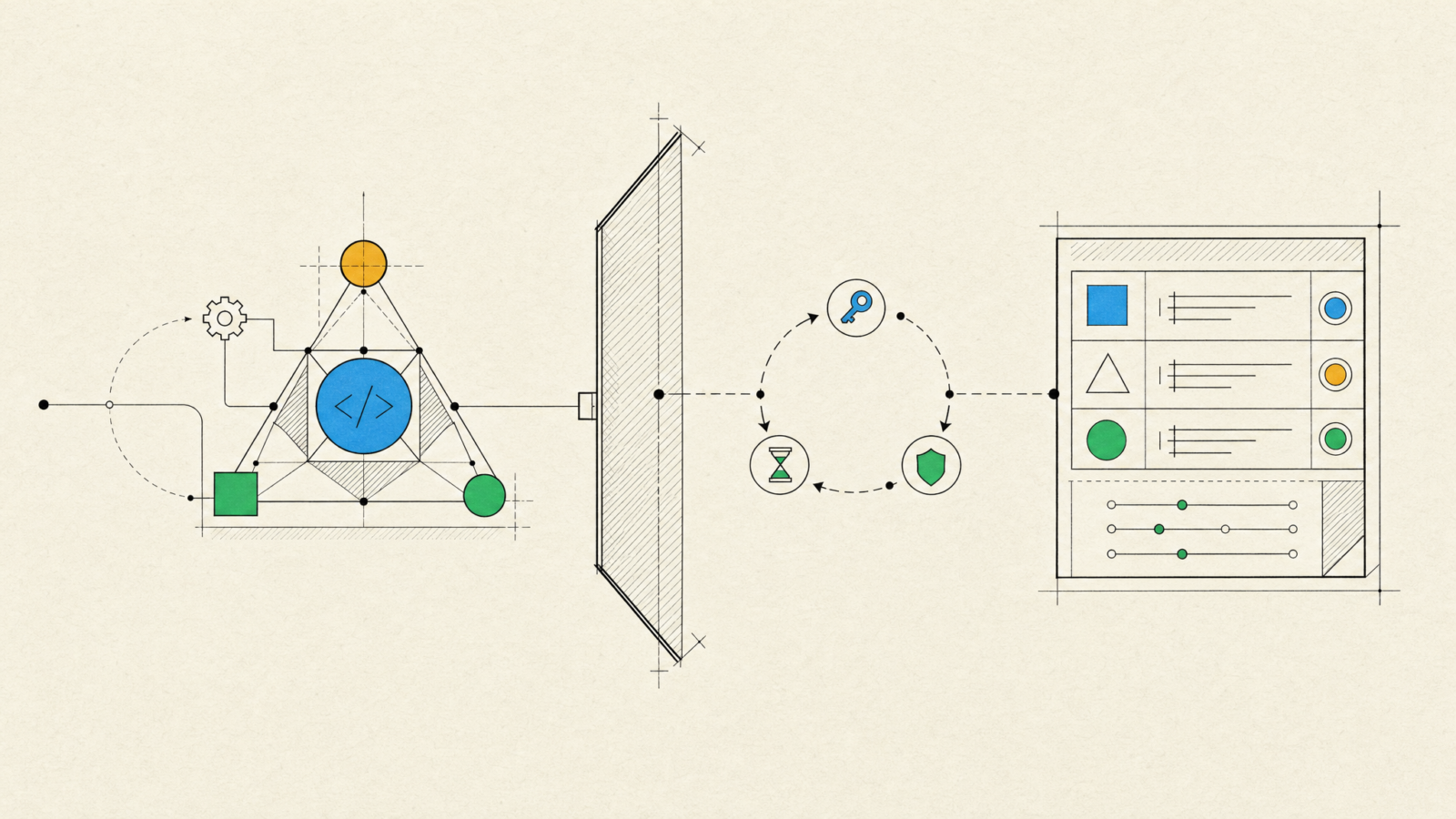
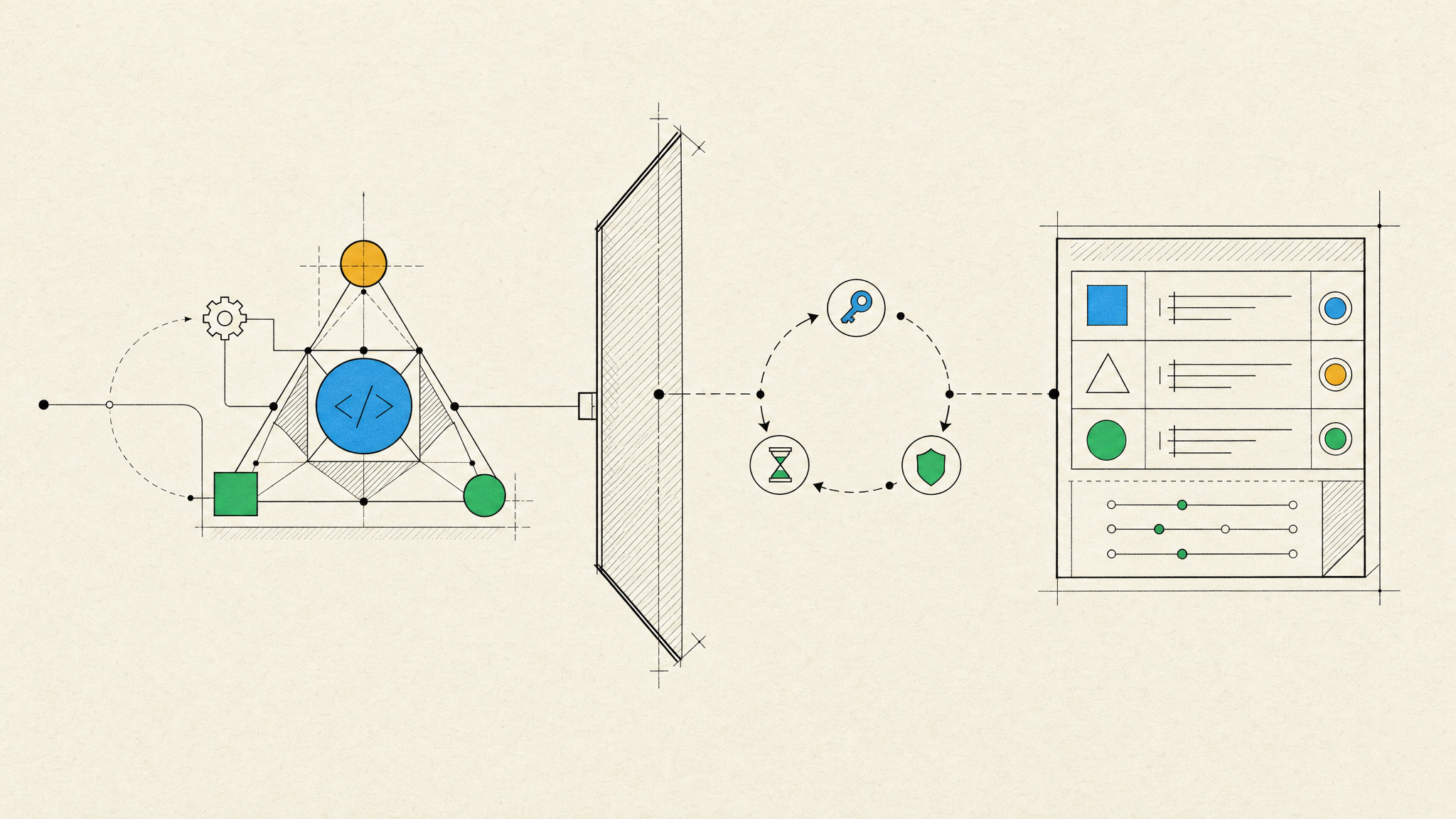
Copilot server authentication uses a GitHub App installation token for services outside GitHub Actions. The app needs the organization-level Copilot Requests permission set to read-only, then it is installed on the organization that should own the usage. The service passes the resulting short-lived token directly to the Copilot SDK and disables fallback to a signed-in user’s credentials.
GitHub says those installation tokens expire after one hour. A running service therefore needs a token refresh plan and a safe client restart or reconnection path. That is a feature, not an inconvenience. Short-lived credentials reduce the damage window when a token leaks or a workload is misconfigured.

The server-to-server documentation separates this route from GitHub Actions. An organization-owned Actions workflow can use the built-in token with the appropriate permission, while an external service uses a GitHub App installation token. Do not blend the two in one vague service account pattern. Their policies and operating assumptions differ.
Five controls to set before rollout
Start with a small production boundary. The following checks catch most of the expensive and hard-to-debug failures.
- Give the app one job. A pull request summarizer and a broad repository automation platform should not share an identity on the first release.
- Turn on a budget that stops usage, not one that only sends an alert. GitHub notes that an alert-only budget does not block further requests.
- Record the app owner, repository scope, allowed models, and expected daily request count. Review each item before changing the app permissions.
- Refresh tokens in the service runtime, never through a developer machine or a shared shell profile. Expiration should produce a controlled retry, not a permanent fallback to user credentials.
- Export and review usage data. GitHub exposes app attribution through the AI usage CSV, using the app_client_id field. Connect that field to the app inventory before an invoice forces the investigation.
Also test the off switch. Suspending or uninstalling the app stops its Copilot access, but it can affect the app’s other organization resources too. An internal runbook should state who can make that call and what behavior users will see afterward.
Where this fits, and where it does not
This preview fits a long-running service that has a clear owner and predictable work. Examples include a nightly documentation check, an issue triage assistant that proposes labels, or a review helper that prepares context before a human approves changes. It is especially useful when a service must continue after a particular developer’s account changes.
It is not a reason to turn every editor interaction into a service. A developer using Copilot interactively still has a user-centered workflow. A GitHub Actions job may be simpler for repository-bound automation. A service that needs broad repository write access should also be split from the component that calls a model, so spending authority and code-changing authority do not arrive in one package.
The preview status matters. GitHub says the behavior can change. Keep the integration behind a small adapter, log authentication failures separately from model failures, and avoid making a public product promise that depends on the feature until the access model has settled.
A practical implementation path
Begin with one noncritical workflow and a limited organization scope. Create the GitHub App, request only the documented Copilot permission, install it, and set an organization budget that stops usage at a real limit. Then issue an installation token only inside the workload that needs it.
Next, run three tests: a normal request, a request after token expiry, and a request after app suspension. The expected result should be easy to explain in logs. Add a dashboard or scheduled export that ties request volume to the app identifier and the workflow that initiated it.
Finally, review whether the service needs a model call at all. A deterministic repository check is cheaper and easier to support when ordinary code can answer the question. Reserve Copilot for work that benefits from synthesis, language understanding, or assisted reasoning. Teams planning the surrounding integration can start with a narrower LLM integration boundary, then expand it only after the operating controls hold.
For a coding assistant that needs to become part of a real product workflow, talk to Inferne about designing the identity, audit, and rollback paths before it reaches production.