Generative AI Development for Image, Video, Speech and Music
How we put image, video, speech and music generation into products: model and pipeline choice, safety layers, rights and provenance, queueing and GPU cost.
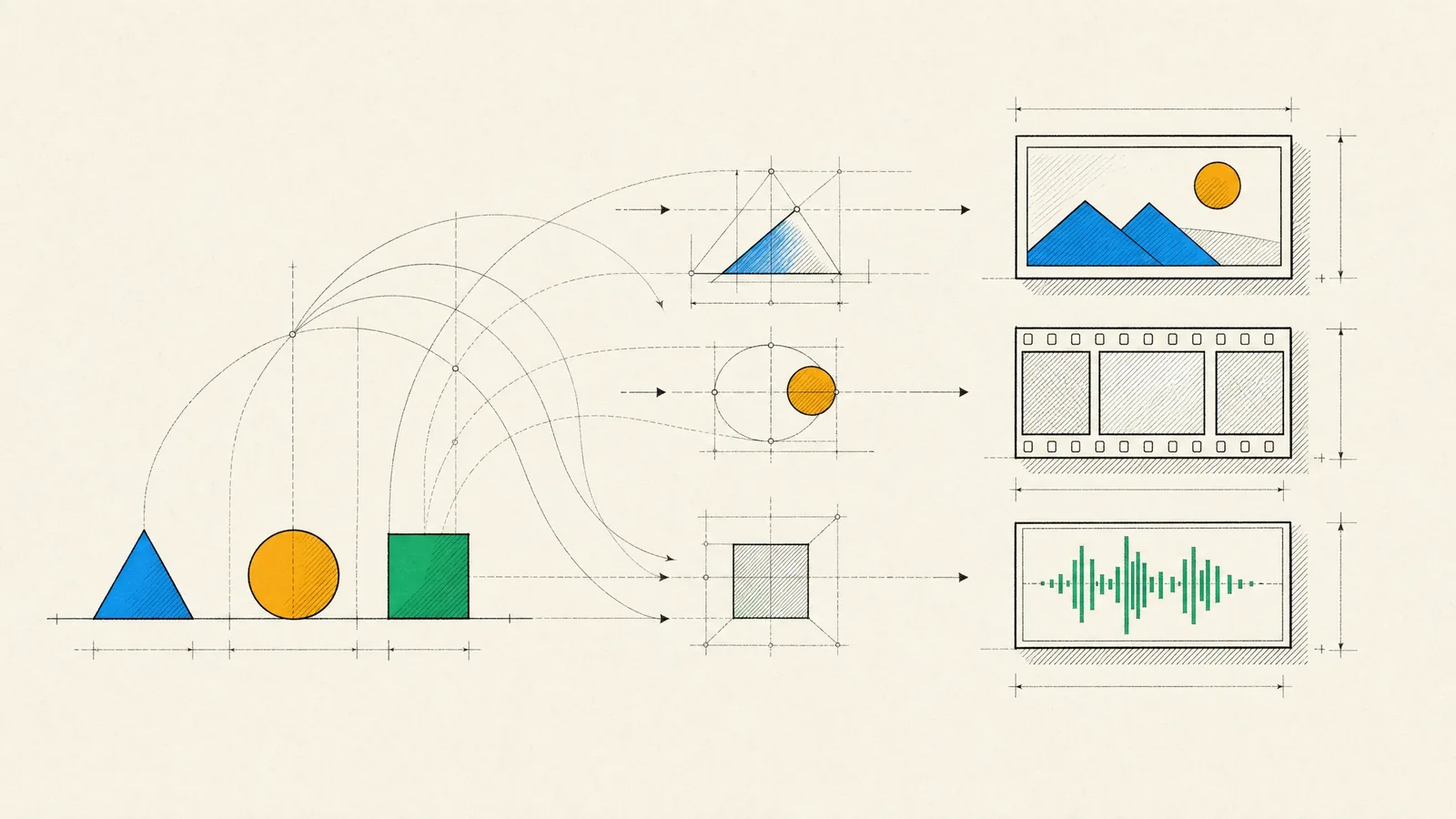
You want your product to create media as well as display it. That could mean product photos from a single shot, short video clips from a script, a narrated version of every article, or background music that fits a user’s edit. Generative AI development is the work of taking a model that does this well in a demo and turning it into a feature that runs reliably and at a predictable cost, with the safety and rights questions dealt with before launch instead of after.
When it’s done well, results are consistent enough that users trust the button. The wait is short and the progress shown is accurate. Harmful requests get stopped both at the input and at the output. Every result can be traced back to the model and settings that made it, and GPU spending follows usage rather than idle capacity.
What we build with generative models
- Product and marketing images for e-commerce, including background replacement, variations for different channels, upscaling, and inpainting to repair or extend a photo. Inside apps, the same models power personalized imagery and design tools.
- Short video clips from images or text, animated product previews, and editing aids such as automatic captions and reframing for different aspect ratios.
- Speech, from text-to-speech narration for articles and accessibility to voices for conversational interfaces and dubbing into other languages, usually paired with transcription and translation.
- Background music and sound effects for user-created content, where licensing needs particular care.
These features rarely stand alone. They sit inside a media product, a store or a creative app, often next to text features built on language models, which our overview of AI app development covers.
Generation isn’t always the answer. If you need a handful of assets that have to be exactly right, commission them from a designer or license them. Generation pays off when you need volume, variation or personalization that people couldn’t produce by hand at a sensible cost.
Choosing models and building the pipeline
Generation can run in three ways, and many products combine them:
- Hosted APIs are the fastest to adopt and need no infrastructure. The catch is less control over the model, its updates and where data is processed.
- Open-weight models on your own GPUs give you full control, custom fine-tuning and stable behavior, but you have to run the inference infrastructure.
- Managed inference platforms sit in between. You choose and customize the model, and they run the GPUs.
Read each model’s license before building on it. Commercial use terms vary widely, and some open-weight models restrict commercial use or attach conditions to it.
A production feature is usually a pipeline rather than a single model. A product photo feature might segment the product, generate a new background, relight and composite the result, upscale it, run moderation and attach provenance metadata. We prototype image pipelines quickly in node-based tools such as ComfyUI. The production version is then written as versioned code, and each stage can be tested on its own.
When a brand needs a consistent style, or a specific product rendered faithfully, lightweight fine-tuning with LoRA adapters usually beats ever-longer prompts. The adapters are trained on images you have the rights to use. To choose between candidate models, we run blind side-by-side comparisons on your own content and have your team rate them.
Prompt and parameter design
Unless your product is a tool for creative professionals, users shouldn’t have to write prompts. We turn intent into structured controls (style presets, reference images, aspect ratio, duration, voice, mood) and convert those into prompts through versioned templates. A language model can help by expanding a short request into a detailed prompt, following the practices described in LLM integration.
Parameters matter as much as words. Control inputs such as pose, depth or edge maps keep a composition stable. Step counts and resolution trade quality against time. Fixed seeds, where the model exposes them, make results reproducible enough to debug.
Every output is stored with its full recipe: model and version, template version, seed, parameters and inputs. With that recipe you can reproduce a result, explain it, or find every asset made with a model you later decide to retire.
Safety, moderation and human review
Some users will try to make a generative feature produce harmful content, so safety has to work in layers:
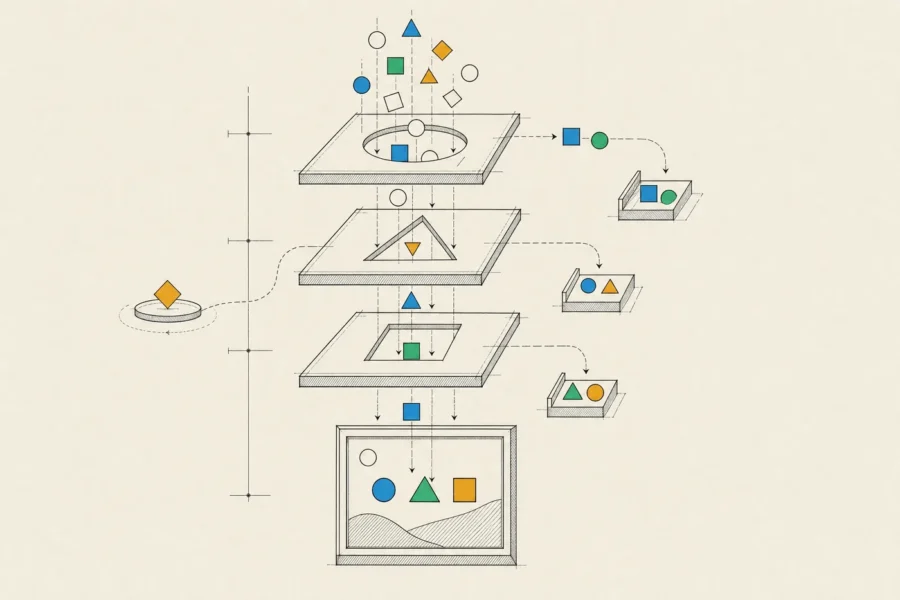
- Prompts and uploaded images are classified before anything is generated. Known abuse patterns are blocked, and accounts that probe the filters get rate-limited.
- Generation itself is constrained by the model’s own safety settings and by limits on what templates can request.
- Every image, clip or audio file is checked by classifiers for sexual content, violence and the other categories your policy covers, and hashes are matched against known child sexual abuse material through established industry programs.
- Identifiable real people aren’t generated without their consent, and voice cloning requires verified, recorded consent from the speaker.
- Users can flag outputs, and each report goes through a defined takedown process.
Human review covers what’s left: a queue for borderline cases, and review before publication for anything that goes out under your brand. Thresholds are tuned on your own data, since a false positive frustrates a legitimate user and a false negative can hurt someone. Reviewers need good tools as well, and limits on how much disturbing material they’re exposed to.
Rights and provenance
We’re engineers, not lawyers, so read this as background rather than legal advice. Every generative product has questions to put to counsel early. They include the license terms of each model, what’s known about its training data and who owns or can protect generated output in your markets. They also include how close outputs may come to existing works, trademarks or artists’ styles, and what consent voices and likenesses require. Music raises these questions most sharply.
Our part is making the answers enforceable in software. We record which model and license produced every output and restrict features to the models cleared for your use. Outputs carry provenance metadata such as C2PA Content Credentials, with visible labels where your policy calls for them and invisible watermarking where the model or platform supports it. We also keep consent records for every cloned voice or trained likeness.
Latency, queueing and GPU cost
Generation is slow compared with a normal web request. A fast image model takes seconds, and video often takes minutes. That calls for an asynchronous design, the kind of queue-based system we build in backend development. The API creates a job and returns immediately, and a queue feeds the GPU workers. Results go to object storage behind a CDN, and the client hears about progress through WebSockets, server-sent events or a push notification.
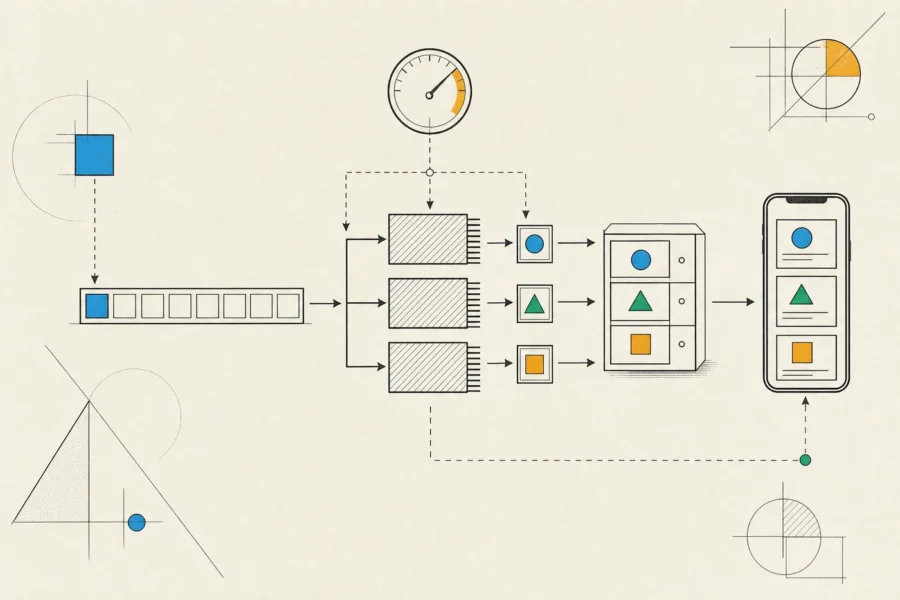
Jobs support cancellation, safe retries and priority lanes, so paying customers aren’t stuck behind a bulk run. If a model can produce a quick low-resolution preview, users see that first.
GPU cost depends on time spent on the GPU, not on the number of requests. The main levers are:
- Autoscaling on queue depth, with a deliberate choice between slow cold starts and paying for idle capacity.
- Smaller or distilled models where quality allows, and batching compatible jobs.
- Per-plan limits on resolution, duration and retries.
- Caching and reusing outputs that many users request.
- Hosted APIs for low or spiky volume, and your own GPUs once demand is steady enough to keep them busy.
We track cost per accepted output, and that figure includes the generations users threw away.
How a generative AI development project runs
Discovery defines the use case, the quality bar and the safety policy, and it produces a list of rights questions for your counsel. Then we prototype two or three candidate pipelines and run a blind comparison with your team on your own content.
The build covers the queue and workers, storage and delivery, moderation, the review queue, and an interface that handles waiting well. QA tests output quality on a fixed set of inputs and safety with adversarial prompts, and it puts the whole system under load. We launch with quotas and a gradual rollout, then iterate on real usage and cost data. You work with a business analyst, a designer, engineers and QA testers. You see regular demos and written reports, and you own the code, pipelines, templates and evaluation sets.
Frequently asked questions
Should we use a hosted API or run our own models?
Start with hosted APIs unless data residency, customization or licensing rules them out. Move steady, high-volume workloads to your own GPUs once the numbers show it pays, and keep the pipeline flexible enough to switch.
Can the output match our brand’s style?
Yes. Reference images, carefully built presets and fine-tuned adapters (trained on assets you have the rights to use) make that possible. Every time something in the pipeline changes, we test style consistency on a fixed set of inputs.
Who owns the generated content?
It depends on the model’s terms and the law in your markets, so that’s a question for your lawyers. We give them the technical facts they need, like which model, license and inputs produced each output.
Can users clone their own voice?
It can be done responsibly, with verified consent from the speaker, safeguards against cloning someone else’s voice and clear limits on how the voice is used. Without those safeguards, we’d advise against offering it.
For a feature that creates images, video, voice or music, the most useful first step is a short prototype on your own content, and safety and cost belong in that prototype too. Share a few sample inputs and the results you’re after, and we’ll sketch a realistic pipeline for them.