OpenAI Dots: 5 Essential Controls for Product Teams
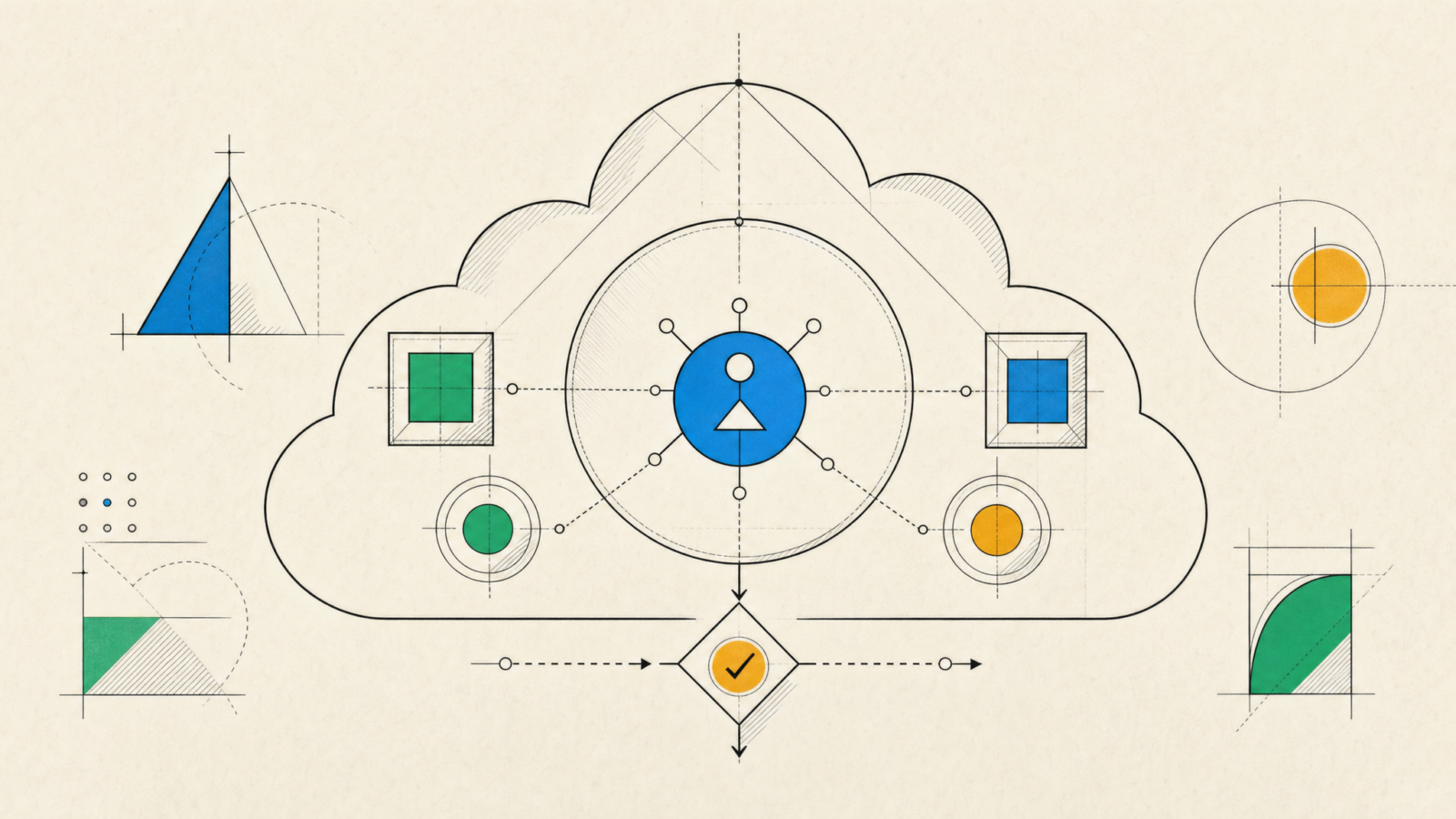
OpenAI Dots changes the design problem for teams adopting AI agents. The product is built to keep working between conversations, across connected apps, with its own cloud computer. That makes the useful question less about whether an agent can complete a task and more about what it may read, change, share, and escalate while nobody is watching.
OpenAI announced Dots on September 29, 2026. The rollout starts with eligible Pro, Business Premium, and Enterprise users. A dot can work with connected apps, keep context over time, and ask for approval when a step needs it. That combination is compelling for product operations, support preparation, engineering triage, and research. It also raises the cost of loose permissions and vague operating rules.
What is different about OpenAI Dots
Dots are not a chat feature with a longer prompt box. OpenAI describes them as always-on agents with a dedicated cloud computer and access to apps a user chooses to connect. They can keep moving on multiple tasks, send progress back through supported channels, and use proactive research with read-only tools. The OpenAI Dots announcement also says that a user can inspect the agent workspace and set boundaries around independent action.
For a product team, that changes the operating model. A conventional assistant helps someone write or summarize in the moment. An always-on agent needs a role, a permitted data set, action boundaries, and an owner who can correct it. Those are product controls, not configuration chores.
1. Define the job before connecting tools
OpenAI Dots works best when the job has a clear finish condition. “Help with engineering” is not a job. “Review new support tickets, group reproducible bugs, and prepare a daily triage draft” is one. The second version identifies the inputs, the output, the cadence, and the fact that publishing remains outside the agent’s remit.
Start with one workflow that has low downside if the first few runs are imperfect. A useful first assignment might gather release notes, compare them with an internal backlog, and prepare a change-impact brief. It should not be allowed to modify production settings, close customer tickets, or merge code.
Teams building AI agents into product workflows should write the task in the same form used for a human handoff: trigger, source systems, allowed transformation, final destination, and named person responsible for acceptance. If the task cannot be described that way, it is probably too broad for unattended work.
2. Start with narrow permissions
Connected tools turn a capable model into an actor. That means permission design matters more than model demos. Begin with a small, relevant set of apps and use read-only access when the agent only needs to inspect information. Add write access after the team has reviewed actual runs.
The safety material for Dots makes a useful distinction: proactive research uses read-only tools and cannot directly send messages, change connected content, or control a browser or desktop. That separation is worth preserving in a team design. Research, drafting, and classification can often remain read-only. Sending, deleting, provisioning, and changing records should sit in a separate action path.
3. Make approval rules concrete
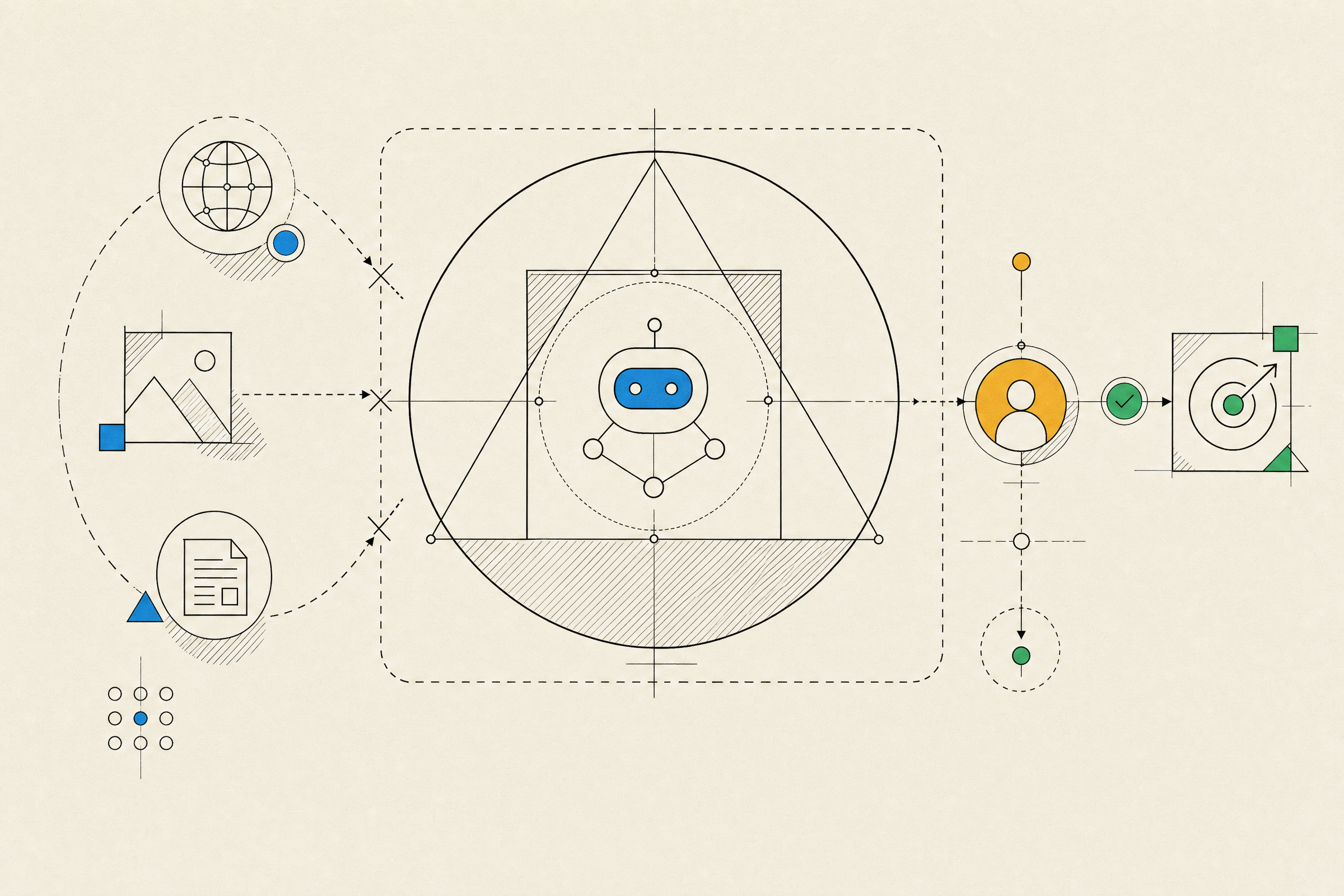
Approval is not one global switch. The important question is which action, on which data, for which recipient, under which conditions. “Ask before external actions” is a reasonable start, but it leaves too much room for interpretation when a task contains customer data, billing information, or production systems.
| Action | Recommended first rule | Why |
|---|---|---|
| Summarize internal documents | Allow with approved sources | The output stays inside the team and is easy to review. |
| Prepare a customer reply | Draft only | Language, recipients, and commitments still need human judgment. |
| Update a project record | Require approval | A small incorrect change can affect reporting or delivery. |
| Delete data, change passwords, transfer money | Keep human-only | These actions are hard to reverse or security-sensitive. |
OpenAI says Dots has built-in action rules and an Auto-review step for actions such as sending emails or changing files. That is a valuable safety layer, not a substitute for a team’s own policy. Product leaders should document what requires review and test those rules with realistic edge cases before asking an agent to work unattended.
4. Treat the workspace as a boundary
Each dot has a cloud workspace that is separate from the systems coordinating its work. OpenAI says sandboxing limits the code and tools available there, while secure sign-in keeps supported passwords out of the model context. Those controls reduce exposure, but they do not make every connected system safe to use.
Keep sensitive sources segmented. Do not connect every shared drive, mailbox, or production account simply because a workflow might someday need it. Give the agent a bounded workspace, a small source list, and one operational owner. This is the same discipline used for service accounts and integration tokens.
5. Review behavior, not just output
An agent can produce a polished summary while taking an unsafe path to get there. Review logs should answer what it accessed, which instructions it followed, which actions needed approval, which ones were blocked, and where it hesitated. Test for prompt injection in documents and webpages, ambiguous requests, stale context, and the temptation to broaden scope after a partial success.
The Dots safety, security, and privacy guidance explicitly warns that agents can still make mistakes and describes monitoring that may pause work when behavior crosses a boundary. The practical takeaway is simple: pilot with real work, but keep the blast radius small. Independent coverage from CNBC’s DevDay report also shows how quickly the launch spans consumer, enterprise, and developer use cases. Teams need a review process that can keep up.
OpenAI Dots may make persistent agent work more accessible, but access is not an adoption plan. Start with a narrow workflow, constrain the data and tools, require approval for consequential actions, and measure behavior before expanding the role. For teams deciding where an agent belongs in a product or internal process, talk with Inferne about the workflow, controls, and integration work behind a safe first release.