Gemini Agent Controls: 5 Checks Before You Delegate
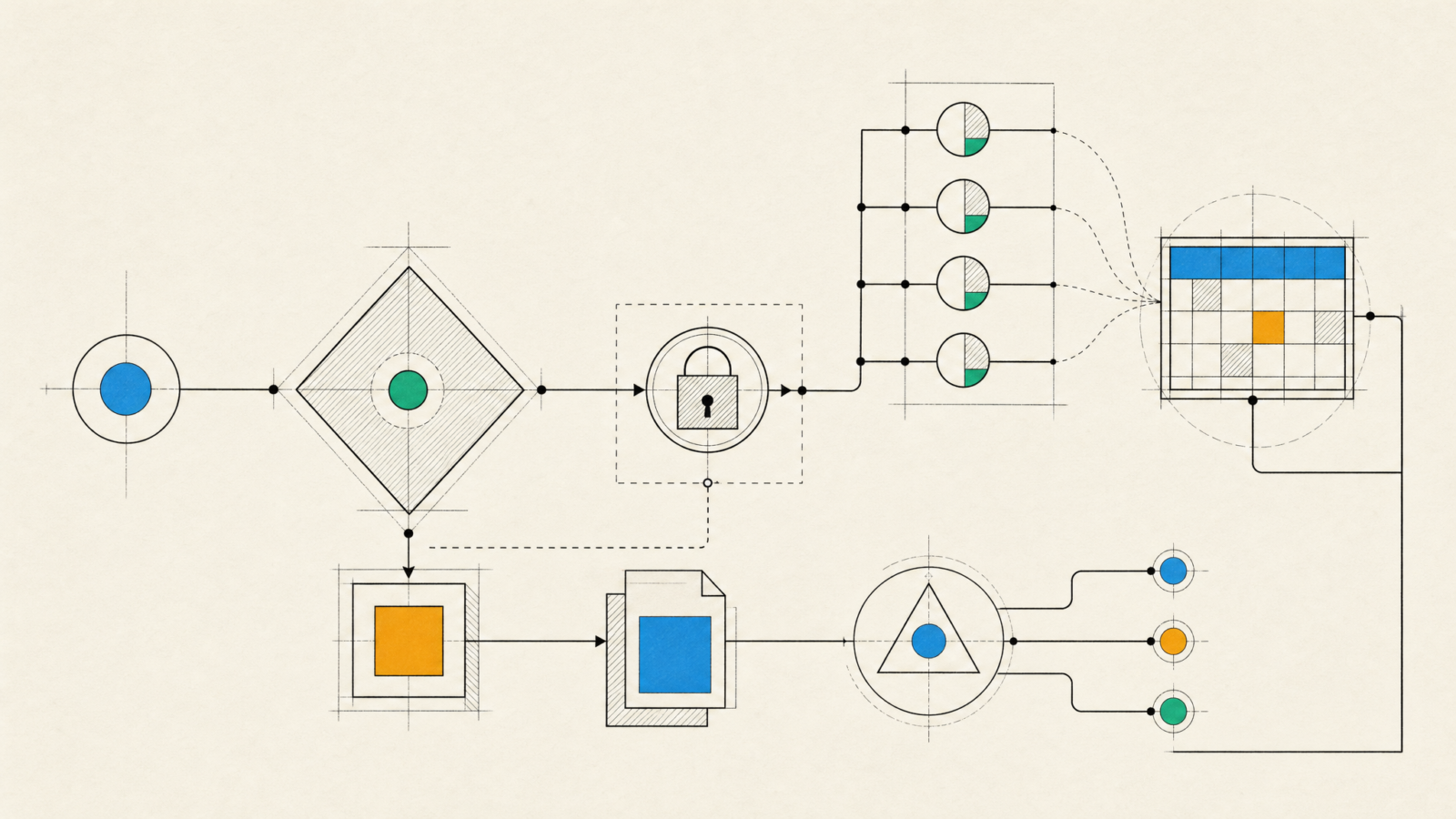
Gemini agent controls matter before a team lets a workplace agent read documents, create tickets, or coordinate work across tools. Google’s new Gemini agent is built for that kind of delegation. It can plan multi-step work, use tools and skills, and operate in business systems rather than stopping at a chat response. That changes the operational question. The first question is no longer which prompt to write. It is which actions the agent may take, with which identity, and how the team will notice a bad decision.
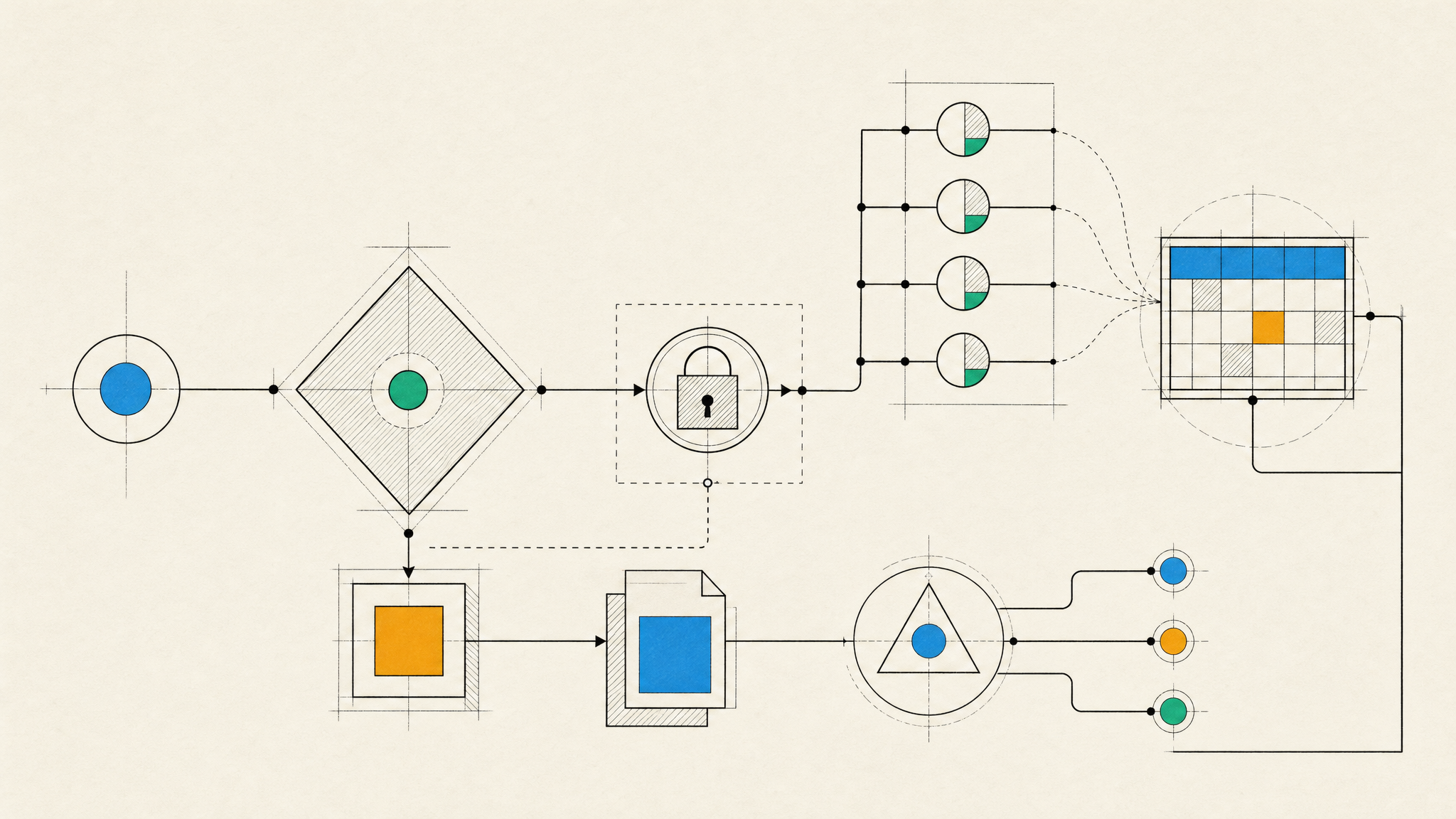
Google announced the Gemini agent on October 8 at Gemini at Work. Its launch announcement describes one agent that can work across business context, tools, skills, and multiple models. It is a time-sensitive change because the product is designed to act in places where a product team already stores decisions: Workspace, code repositories, issue trackers, data platforms, and connected services.
What changed with the Gemini agent
The Gemini agent brings chat, task execution, and code work into one enterprise surface. Good Gemini agent controls turn that broad promise into a bounded operating model. Google says it can choose among permitted models, call tools, use skills, and keep context while work moves across applications. A team can assign an objective instead of a sequence of prompts.
That sounds familiar if the team already uses assistants. The important difference is duration and reach. A chat assistant usually ends with a response. A workplace agent can continue work, invoke connected systems, and leave an audit trail under an agent identity. TechCrunch’s coverage of the announcement also notes the task inbox, connected business data, and agent-specific Workspace presence.
For a product organization, that creates a useful path for work such as turning support themes into a backlog proposal, checking release notes against a migration plan, or preparing a test matrix from accepted requirements. It also creates a path to make changes in the wrong project, expose a document to the wrong connector, or turn a tentative recommendation into a published decision.
Why Gemini agent controls start with identity
An agent with its own identity is easier to audit than an agent acting through a shared employee account. Identity is the first item on any Gemini agent controls checklist. It also needs a smaller, clearer permission boundary. The identity should state what the agent is for, what it may read, what it may change, and who owns its output.
Do not give a new agent the same broad access as its sponsor. A product manager may need access to every roadmap document. An agent preparing a weekly release summary usually needs a narrow project folder, a read-only tracker view, and no production credentials. Those are different jobs.
VentureBeat’s report on the launch highlights open questions around provisioning, service-level controls, and third-party model handling. Those gaps are not a reason to reject a pilot. They are a reason to write down the boundary before connecting the pilot to live systems.
Five Gemini agent controls to set before delegation
Start with Gemini agent controls that fit the task, not a generic policy document. The table below separates the decision a team needs to make from the evidence it should be able to inspect later.
| Control | Set it this way | Review evidence |
|---|---|---|
| Purpose boundary | Give the agent one outcome, such as preparing a backlog brief. | A short task charter and allowed tools. |
| Least privilege | Share only the folders, projects, and connectors the task requires. | A list of granted resources and an owner for each. |
| Action gate | Require human approval for sends, publishes, deletes, and production changes. | A sample approval record in the audit trail. |
| Model policy | Allow only models cleared for the data class in the task. | A documented routing policy and test run. |
| Exit path | Define how to pause access, revoke connectors, and preserve logs. | A practiced offboarding checklist. |
1. Keep the first purpose narrow
A pilot should have one measurable job. This is where Gemini agent controls become observable rather than theoretical. Good examples are classifying incoming bug reports, assembling a release-readiness packet, or comparing an approved specification with an issue backlog. Avoid “manage the product” or “help the team”. Broad instructions invite broad data access and make quality hard to judge.
2. Treat connectors as production integrations
Every connector expands the agent’s reach. Connector review is one of the most important Gemini agent controls. Review it like any other integration: data classification, service account scope, logging, failure mode, and offboarding. If a tool can create records, start with a sandbox project or a draft-only workflow. For teams building agent features into their own products, the same discipline applies to agent development: authority should be explicit and reversible.

3. Put irreversible actions behind a human decision
Agents can draft a customer response, prepare a deployment plan, or suggest a calendar change. They should not send, deploy, delete, or approve on their own during the first rollout. A clear approval step limits damage and produces a record of who accepted the recommendation. It also gives the team examples of where the agent needs better instructions.
4. Make model selection part of the architecture
Google positions the Gemini agent as a layer that can use different models. That flexibility is useful, but it means the team needs a model policy. Define which models may process internal documents, what data can leave a controlled environment, and when a task must use a more capable model. Test a sensitive but non-production sample before real work begins.
5. Rehearse the stop button
Persistent work changes incident response. The team should know how to pause a task, revoke a connector, rotate access, and inspect the agent’s recent actions. Run that exercise before the first broad rollout. A control that only works in a slide deck will fail when a connector behaves unexpectedly.
A practical first pilot for Gemini agent controls
Pick a read-mostly workflow with a human owner. The pilot should test Gemini agent controls without exposing a production action path. A release manager could give the agent access to one repository, one issue-board view, and a folder of approved requirements. The agent can produce a draft release checklist with links to the source items. The release manager reviews it, decides what to change, and records defects in the workflow.
Measure the pilot with three questions: Did it save review time? Did it cite the correct source material? Did it attempt an action outside its boundary? The last question matters as much as the first two. An agent that writes a useful summary but reaches for an unrelated tool is not ready for more access.
The Gemini agent announcement is a signal that enterprise agent work is moving from demos into shared systems. Product teams do not need to hand over a department to learn from it. Start with one narrow task, require approval for consequential actions, and keep the access review boring. Teams planning an agent-enabled workflow can talk with Inferne about the architecture, permissions, and test plan before it reaches production.