GitHub Agentic Workflows, 5 Smart Adoption Checks
GitHub Agentic Workflows are now generally available, which makes it easier to put coding agents inside the delivery system teams already use. The important change is not that an agent can write a pull request. It is that the work can be defined as a repository workflow, compiled into GitHub Actions, and bounded by the same runners, permissions, and review rules that already govern CI.
That sounds tidy. It can also become expensive, noisy, or unsafe if a team treats an agent workflow like a chat prompt with a cron trigger. GitHub’s October 28 announcement describes workflows for issue triage, CI investigation, documentation updates, and test writing. The useful question for a product team is narrower: which tasks can an agent touch without creating a new production risk?
Contents
- What changed with GitHub Agentic Workflows
- Check 1: choose work with a clear finish line
- Check 2: keep the agent read-only at first
- Check 3: separate proposals from writes
- Check 4: set a budget before a trigger
- Check 5: make ownership and review explicit
What changed with GitHub Agentic Workflows
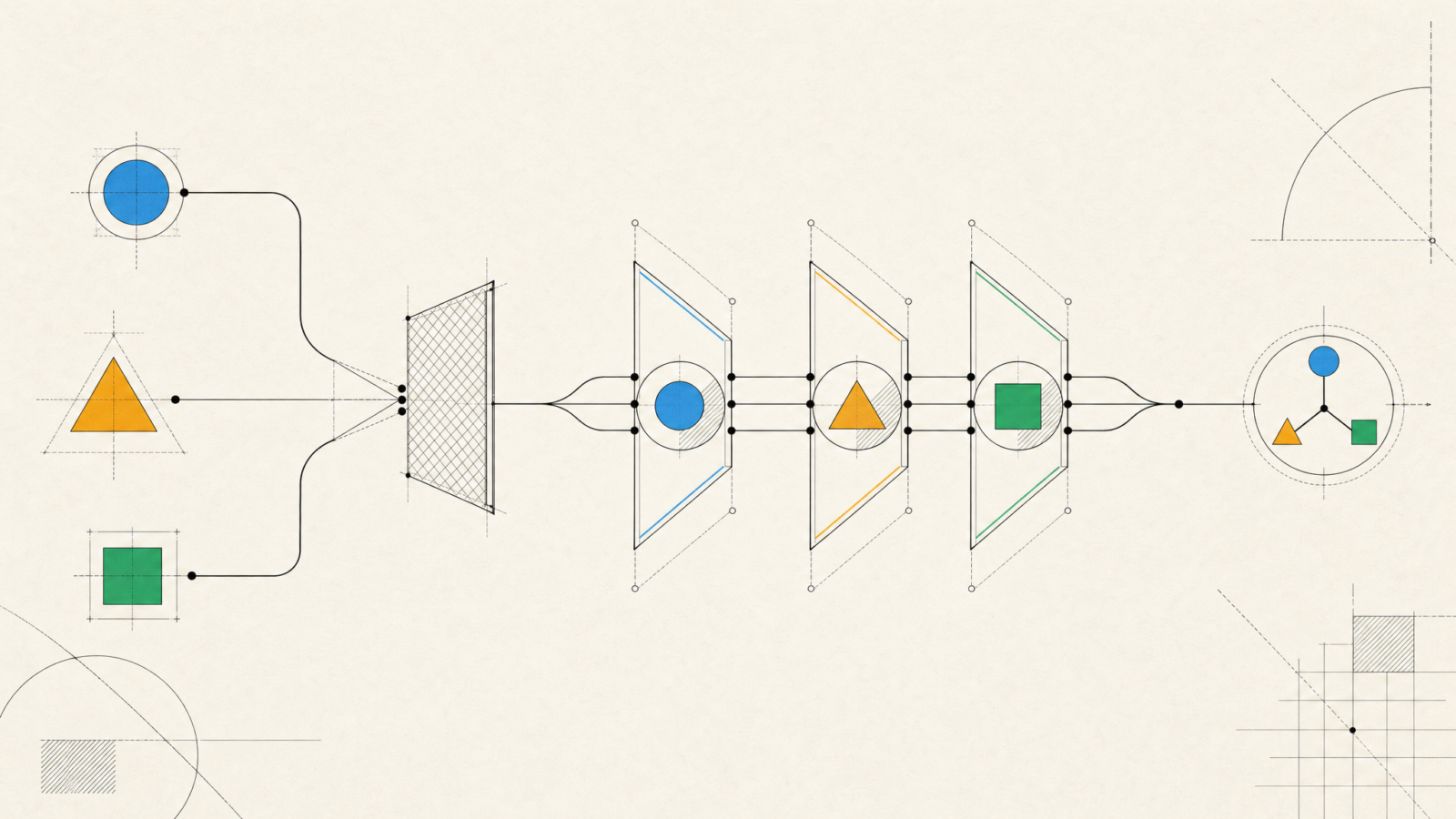
GitHub Agentic Workflows are an open-source project from GitHub Next that became generally available on October 28, 2026. A workflow starts as a Markdown file with configuration and instructions. The tooling compiles it into a hardened GitHub Actions workflow, so it runs on the runners, schedules, events, and policy controls a repository already uses.
That is different from asking a coding assistant to make a one-off change. A scheduled workflow can inspect new issues every morning. An event-driven workflow can investigate a failed CI run. A repository assistant can draft a small pull request for a narrow maintenance task. The durable part is the workflow definition, not the individual chat.
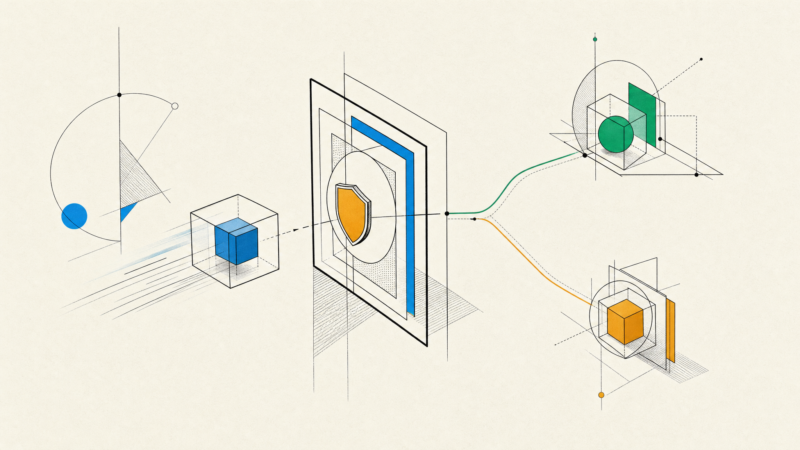
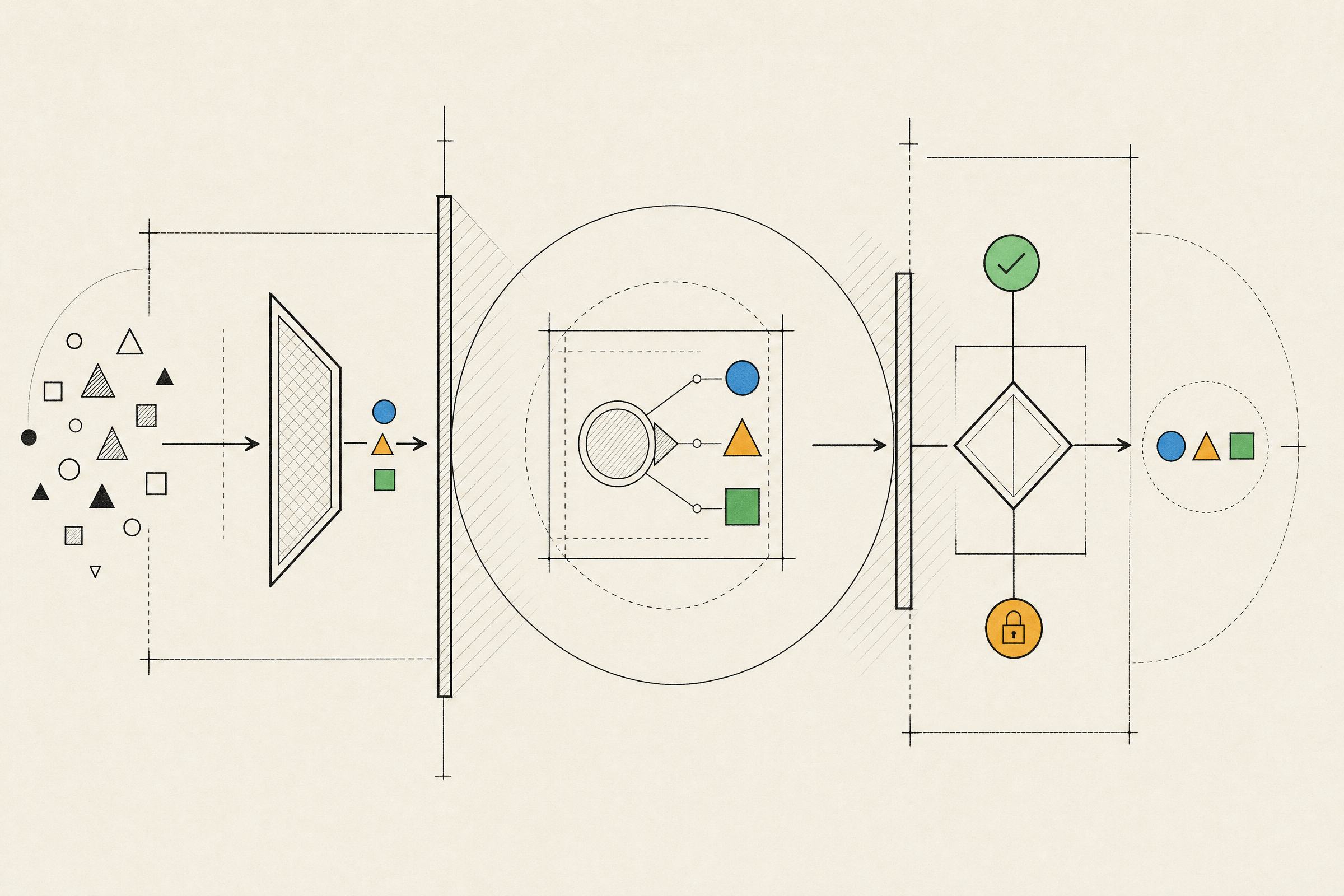
GitHub says the agent runs with read-only permissions by default. Proposed changes pass through separate safe-output jobs, with integrity filtering, sandboxing, credential isolation, and threat detection in the path. The GitHub general availability announcement and the Agentic Workflows documentation describe those controls in more detail.
Those safeguards are useful defaults, not a reason to stop thinking. A workflow author can add permissions, tools, outbound access, or custom jobs. Every exception changes the risk profile. For teams working on AI-heavy products, the same discipline used for agent development applies here: authority should be narrow, observable, and easy to revoke.
Check 1: choose work with a clear finish line
Start GitHub Agentic Workflows with work that has a bounded input and a reviewable result. Issue triage, stale documentation checks, missing-test suggestions, and a daily repository summary are good early candidates. They have a visible source, a small set of expected outputs, and a person can judge whether the result helped.
Avoid handing an agent a broad instruction such as “improve the codebase”. That task has no stable definition of done. It encourages long runs, large diffs, and decisions that should stay with an engineer or product owner. A narrow task also makes a bad result cheap to discard.
Write the job in terms of evidence. For example, a CI investigation can collect the failed step, identify the changed files, compare the last successful run, and open an issue with links to each signal. It should not rewrite a deployment workflow or change a production secret. The agent can reduce the time spent gathering context without becoming the final decision-maker.
Check 2: keep the agent read-only at first
Read-only operation is the right starting point because it forces the workflow to prove value before it gets authority. Let the agent inspect issues, pull requests, logs, and documentation. Ask it to propose a label, comment, report, or patch. Do not grant direct write access just to remove one approval step.
This matters most when the workflow reads untrusted material. Issue titles, comments, pull request descriptions, and external logs can contain instructions that are relevant to a human reader but should not become instructions for an automation. GitHub’s integrity filter is designed to reduce that exposure, yet the practical boundary still comes from the workflow’s permissions and allowed tools.
Run the first version on a non-critical repository or a limited set of labels. Measure false positives, skipped work, and review effort. If the team accepts most of the proposals with only small edits, expand the scope one operation at a time. If reviewers repeatedly correct the same behavior, fix the workflow definition before adding access.
Check 3: separate proposals from writes
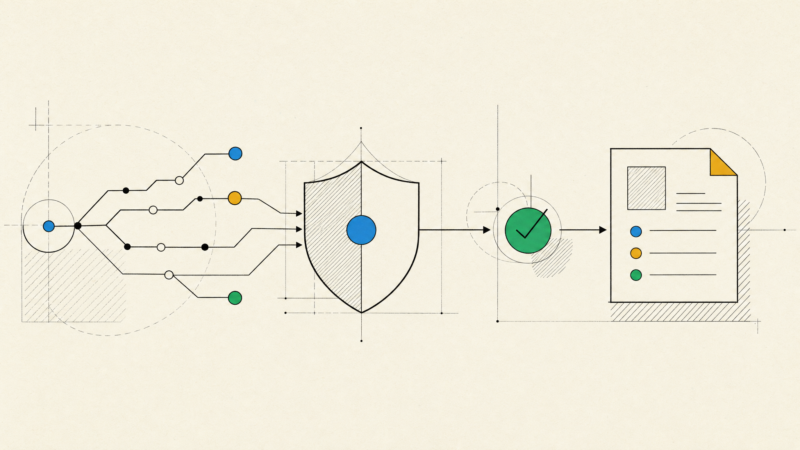
GitHub Agentic Workflows use safe outputs so the agent proposes a structured action and another job applies it with only the permission required. That separation is more than an implementation detail. It turns an agent action into a contract: the workflow declares which writes are allowed, how many may happen, and where they can land.
Keep that contract small. A triage workflow might add a label and draft one issue comment. A maintenance workflow might open one pull request. It should not be able to merge its own work, change branch protection, or alter CI credentials. When a workflow needs a new output type, make that change through the same code review process used for a production workflow.
The third-party analysis at Data Studios makes the practical distinction clear: safe outputs protect the normal path, while direct permissions and custom post-processing deserve separate scrutiny. A product team should treat those exceptions as a design review, not a convenience setting.
Check 4: set a budget before a trigger
Agentic work has two scaling dimensions: how often it starts and how much reasoning each run can consume. A workflow that looks harmless when started manually can create a large stream of runs when attached to every push, comment, or failed job. The general availability release includes forecasting and per-run and daily guardrails. Use them before the workflow reaches a busy repository.
Begin with a schedule or manual dispatch. That gives the team a chance to inspect the workflow’s reports and tune the prompt around real cases. Event triggers can follow once the output is useful and the rate is understood. Batch work where possible. A morning summary of repeated CI failures can be more valuable than an agent joining every failed run.
Budgeting also needs an owner. Someone should review the run history, look for sudden changes in volume, and decide whether the workflow is still solving a real problem. An agent workflow that costs little but produces ignored pull requests still consumes engineering attention.
Check 5: make ownership and review explicit
A GitHub workflow is part of the product delivery system. It needs an owner, a purpose, a rollback path, and a review rule. Put the workflow in the repository, name the team that maintains it, and document what it may read and write. Changes to its triggers, permissions, model choice, or output types should get the same scrutiny as changes to build and deployment automation.
Review generated pull requests as work from an unfamiliar contributor. Check tests, dependencies, permissions, and the actual behavior, not just whether the diff looks plausible. The DevOps review of the recent GitHub announcements at Dev.to makes the same point: read-only defaults and safe outputs are a strong shape, but platform teams still need to choose runner groups, limits, and approval boundaries.
For a product team, the first successful GitHub Agentic Workflow should be boring. It should remove a repetitive investigation, produce evidence a human can trust, and fail safely when the repository is unusual. That is enough. Teams that want help designing the surrounding controls can talk with Inferne about the workflow, review, and platform decisions before they spread across delivery.