pull_request_target Security: 5 Urgent Checks

pull_request_target security needs attention before GitHub starts enforcing a new default on December 2. Public repositories that use this GitHub Actions event may see workflows blocked unless an applicable Actions event policy explicitly allows them. The first temporary enforcement window runs on November 9 from 16:00 to 18:00 UTC, followed by another on November 16.
What GitHub is changing
GitHub will block pull_request_target by default in public repositories from December 2, 2026. The rule is already running in evaluate mode, which means teams can see warnings for runs that would be stopped. During the two brownouts, affected runs will fail instead of merely warning. Private and internal repositories are outside this change, as are GitHub Enterprise Server installations.
The scope matters. This is not a general ban on Actions or on pull request automation. It is a secure default for one event that often carries more privilege than teams realize. A workflow can still use the event when a targeted Actions policy permits it. GitHub has published the schedule and scope in its change announcement.
Why pull_request_target security deserves a separate review
The event runs in the context of the base repository. That can make repository secrets, write permissions, or trusted caches reachable by a workflow started from a pull request. If that workflow checks out code from an untrusted fork and executes it, the trust boundary has already been crossed. Renaming the trigger does not fix the workflow design.
That does not mean every use is unsafe. A workflow might use the event only to label a pull request, leave a comment, or inspect metadata. The review needs to follow the data and code paths. What triggers the workflow? What code runs? Which inputs can a contributor influence? Which credentials and permissions are available at each step?
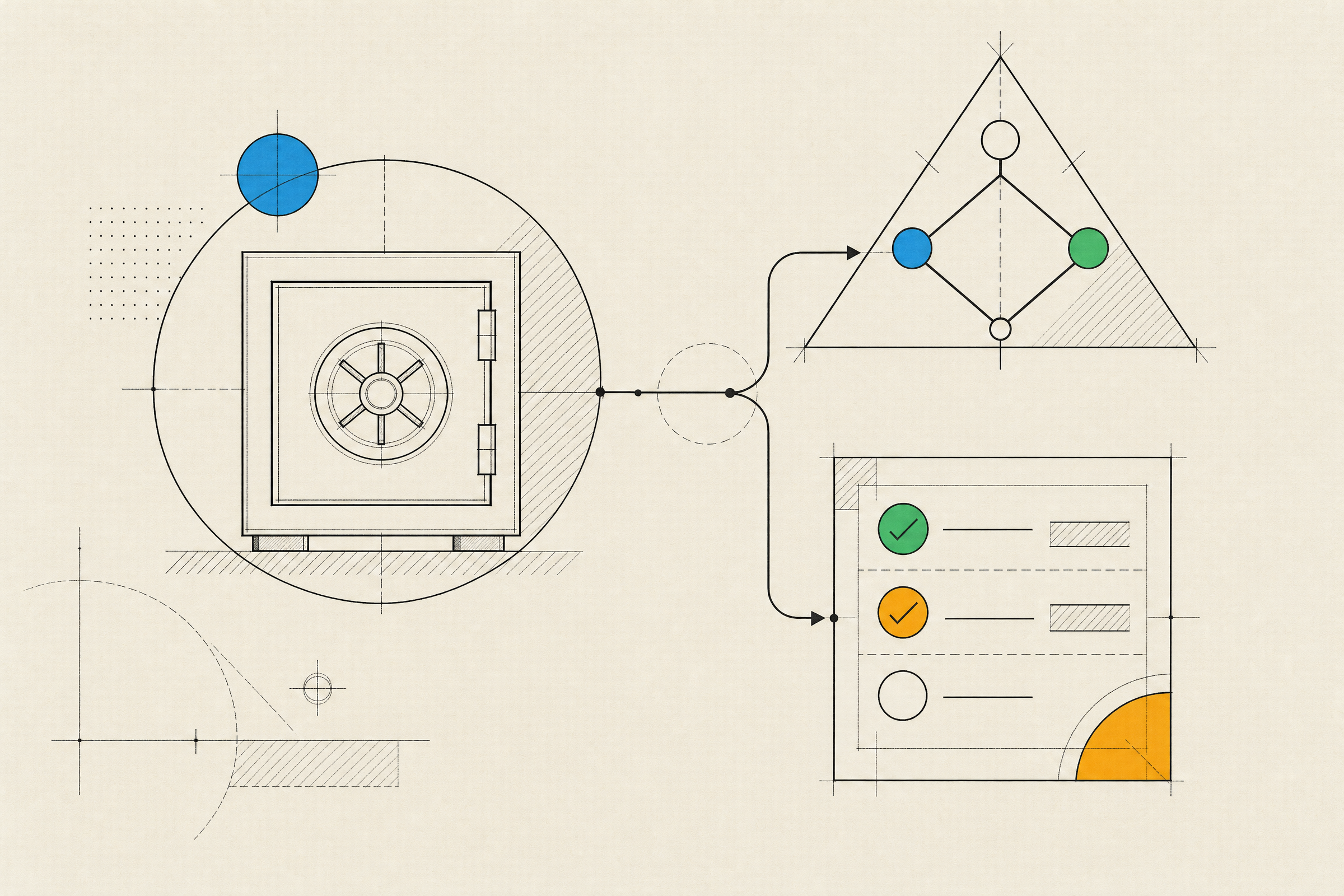
Five pull_request_target security checks before the next brownout
1. Find every workflow that uses the event
Search workflow files across public repositories, including templates and reusable workflows. Do not stop at the event declaration. Record the owner, the repository visibility, the purpose, and whether the workflow has run recently. Policy Insights can show runs that the new default would block, which gives the inventory a useful starting point.
2. Trace what runs after the trigger
Look for checkout steps, shell commands, scripts, package installation, generated configuration, and artifacts. A pull request title, branch name, changed file, artifact, or external API response can all become an input. The dangerous pattern is simple: privileged workflow context plus code or data that an untrusted contributor controls.
3. Reduce permissions before discussing an allow rule
Check the workflow and job-level permissions settings. Remove write access that the job does not need. Avoid passing secrets into jobs that only report status. Split a mixed workflow if the public-facing task and the privileged task have different trust needs. Small permission changes are easier to test than a broad exception that lives for years.
4. Test the real fork path
A workflow can look harmless when tested from a branch in the same repository and behave differently for a fork. Use a controlled fork scenario and watch the run during a brownout or evaluate period. Confirm who can trigger it, what is checked out, and whether any privileged action occurs. Keep a screenshot or run URL with the decision record so a later maintainer can understand the exception.
5. Name an owner and a fallback
Every workflow that will be affected needs an accountable owner before December 2. That owner should know whether the safe answer is to keep the block, change the workflow, or allow a tightly scoped exception. For build, release, or contributor flows, document the manual fallback. A failed Action is manageable. A release process that nobody can explain is not.
| Workflow purpose | Preferred direction | What to verify |
|---|---|---|
| Commenting or labeling | Use the least privileged event and token | No untrusted code runs |
| Testing fork code | Use a pull request workflow with minimal permissions | Secrets stay unavailable |
| Privileged maintenance task | Allow only a named workflow when truly required | Inputs, permissions, and owner are documented |
When an exception is justified
An explicit allow policy is an operational choice, not proof that a workflow is safe. GitHub supports policies at enterprise, organization, and repository levels, with targeting by workflow path and event. That makes a narrow exception possible. It also means a broad policy can quietly undo the protection across many projects.
Start with the narrowest target. Allow the specific workflow that has a documented need, not every workflow in an organization. Keep the default block for workflows that do not need the event. GitHub explains how policies layer across account levels in its workflow execution protections documentation.
A practical response plan for product teams
Today, create the inventory and check Policy Insights. Before the next brownout, review the workflows that handle public contributions or deployments. During the window, capture failures and decide whether each one needs a redesign or a limited exception. Then retest the flows that protect releases, issue triage, and contributor experience.
Teams building products with public repositories should treat this as a useful forcing function. It separates automation that is merely convenient from automation that has earned privileged access. The same review can expose stale secrets, unnecessary write tokens, and workflow paths nobody owns anymore. For a broader look at secure product delivery, see web application development. If a workflow review uncovers a deeper platform risk, talk to Inferne about the product and delivery constraints around it.